




Stitch-assist Procedures (Scanning a Document Larger than Document Glass)
Solution
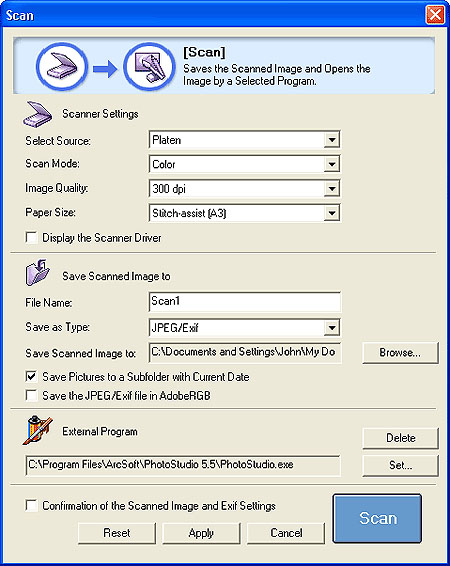
If the Stitch-assist (11"x17"), Stitch-assist (A3) or Stitch-assist (Platen x2) option is selected in the Paper Size category, the program scans the left half and then the right half of the item, and merges both halves into one image.
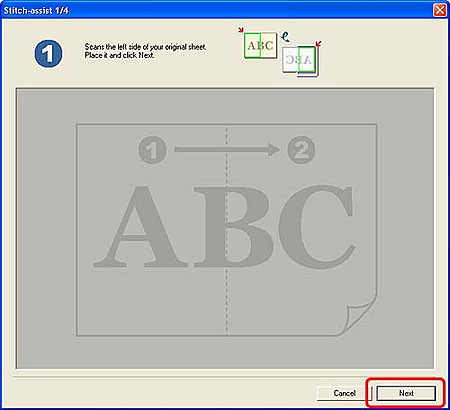
2.The following window will display. Place the left half of the item on the scanner, and click the Next button.
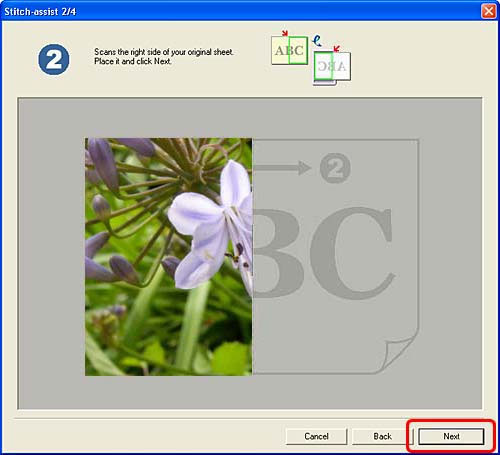
The left half of the item will be scanned.
REFERENCE
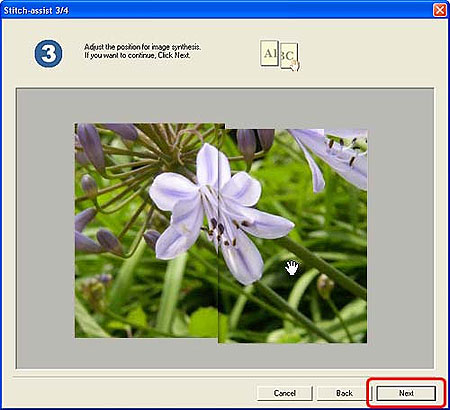
- When adjusting the image position, the last clicked half of the image comes forward.
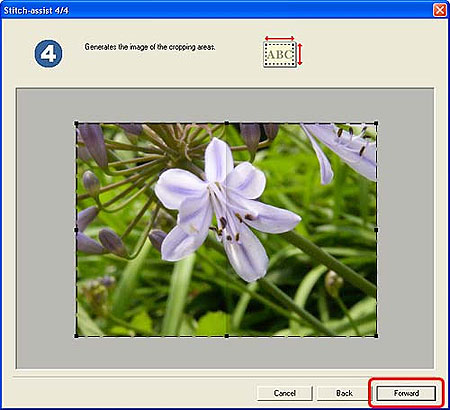
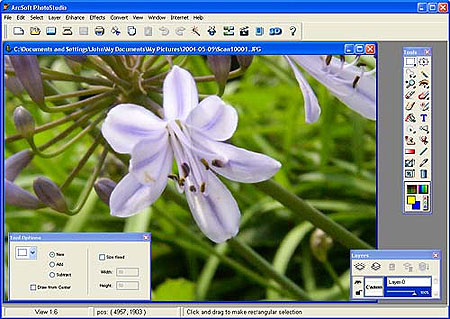
5.Confirm the position of the scanned image, and if it is correct, drag the mouse to crop the area to scan, and click the Forward (Copy with Copy function and Save with Save function) button. To readjust the position, click the Back button to return to the step 4.