


MAXIFY iB4170
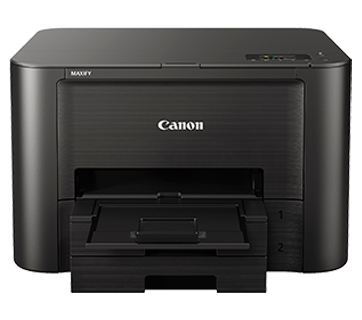
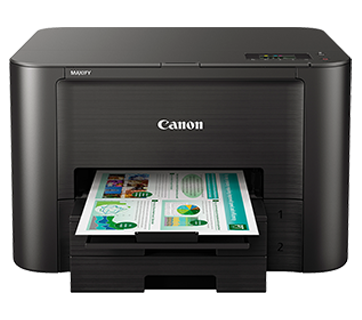

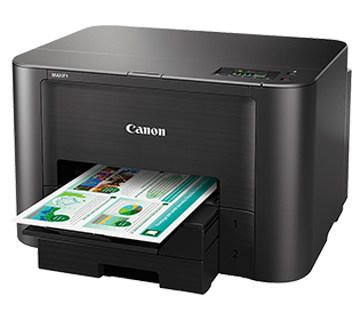
MAXIFY iB4170
ประสิทธิภาพน่าเชื่อถือสำหรับทุกความต้องการด้านการพิมพ์
คุณสมบัติเด่น
คุณสมบัติ
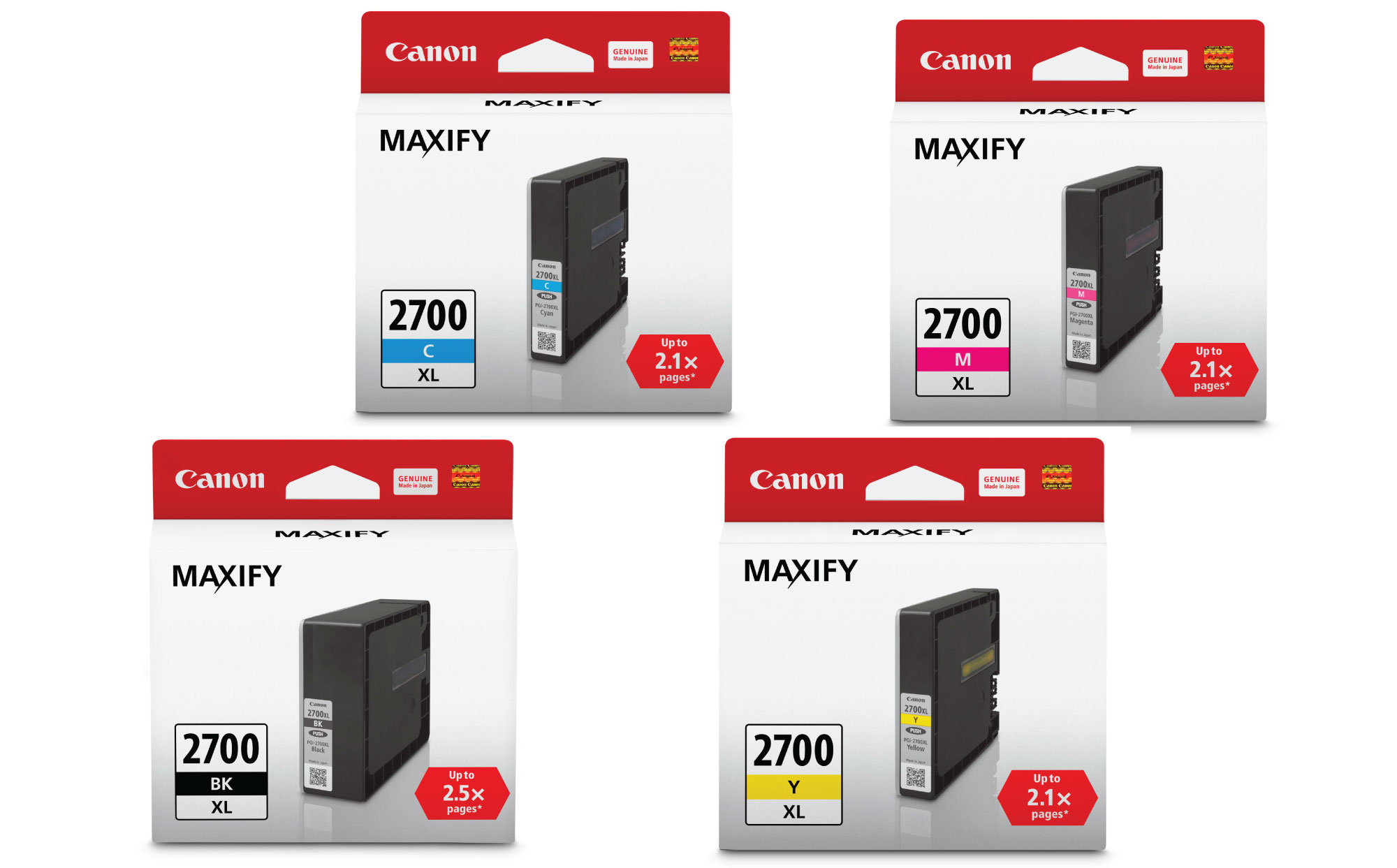
ค่าใช้จ่ายในการพิมพ์ต่ำ
สามารถพิมพ์เอกสารขนาด A4 ได้ถึง 2,500 หน้า (ขาว/ดำ) และสามารถประหยัดหมึกได้ถึง 50% ด้วยตลับหมึก PGI-2700XL ของแท้จากแคนนอน

การพิมพ์ทั้งสองหน้าอัตโนมัติ
ประหยัดเวลาด้วยการพิมพ์บนกระดาษทั้งสองด้านโดยอัตโนมัติ
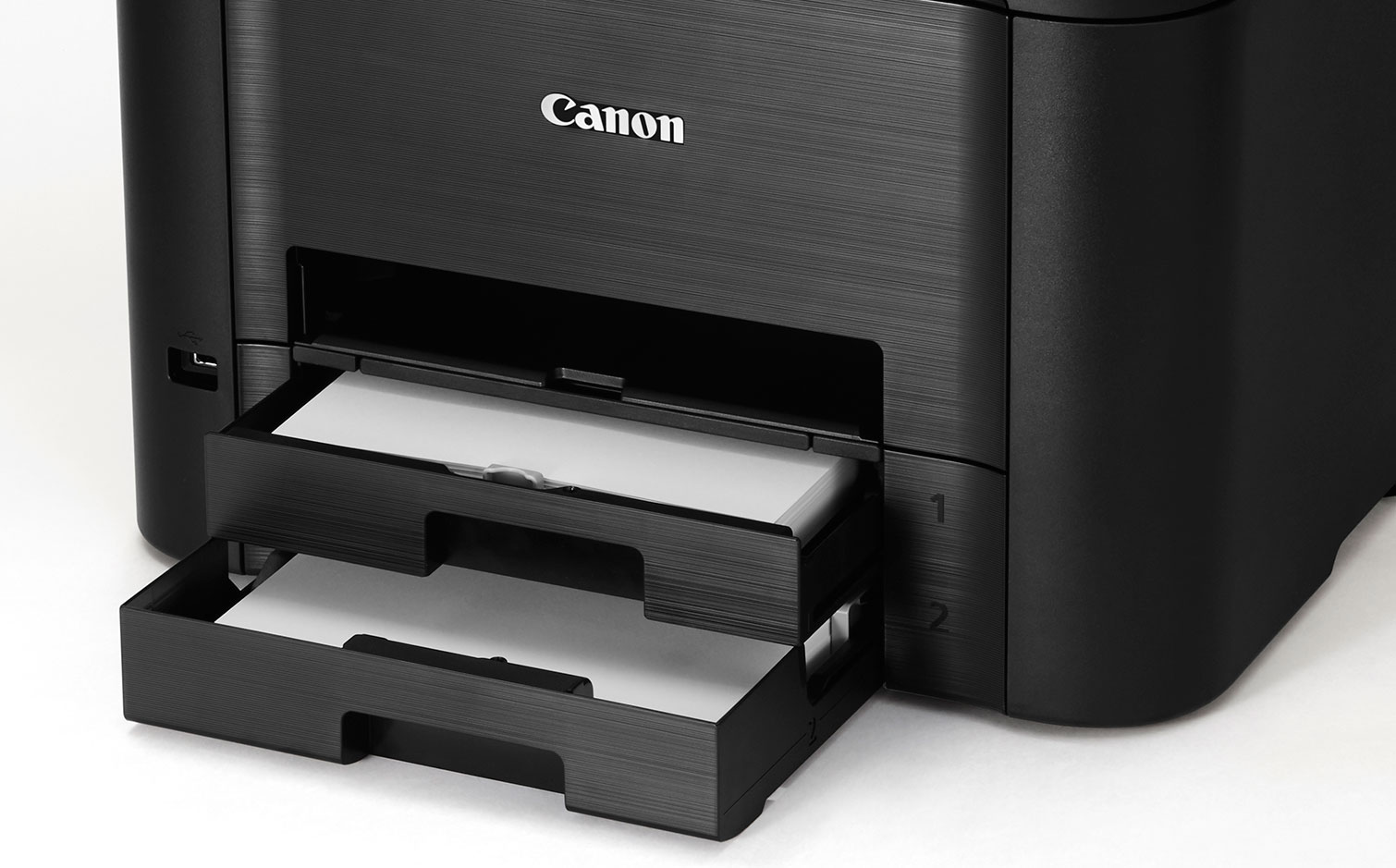
กล่องใส่กระดาษความจุสูง
เครื่องพิมพ์มาพร้อมกับกล่องใส่กระดาษความจุสูงจำนวน 2 ช่อง (สูงสุดถึง 500 แผ่น) ซึ่งลดความยุ่งยากในการโหลดกระดาษ
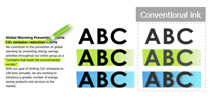
เอกสารทนทานต่อการทำเครื่องหมายและการไฮไลท์
หมึกเม็ดสีความหนาแน่นสูงไม่เพียงแต่สร้างข้อความที่ชัดเจนและคมชัดแต่ยังกันน้ำและการทำไฮไลท์
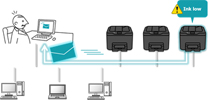
การแจ้งเตือนสถานะ/การขัดข้องทางอีเมล์
การแจ้งเตือนสถานะ/การขัดข้องทางอีเมล์จะช่วยลดเวลาในการเช็คสถานะของเครื่องพิมพ์แต่ละตัวด้วยการตั้งค่าที่อยู่อีเมล์ของแอดมินล่วงหน้าเพื่อให้รับการแจ้งเตือนสถานะและการขัดข้อง
*รายการที่สามารถทำการแจ้งเตือนได้
• ระดับหมึกเหลือน้อย
• หมึกหมด
• กระดาษหมด
• การพิมพ์ขัดข้อง
• การพิมพ์มีปัญหา
• การแก้ไขข้อมูลของแอดมิน
ข้อจำกัดการตั้งค่า
แอดมินสามารถสร้างข้อจำกัดให้รหัสผ่านสำหรับการตั้งค่าการพิมพ์เพื่อป้องกันความลับของสำนักงานและลดค่าใช้จ่ายในการพิมพ์
Related Pages
วัสดุสิ้นเปลืองที่เกี่ยวข้อง
หมึก / ผ้าหมึก
|
ชื่อสินค้า
|
จำนวนหน้าที่พิมพ์ได้
|
ประเภทสินค้า
|
ราคา
|
|
PGI-2700 BK (Black)
|
1000
หน้า
|
Ink Cartridge
|
|
|
PGI-2700 C (Cyan)
|
700
หน้า
|
Ink Cartridge
|
|
|
PGI-2700 M (Magenta)
|
700
หน้า
|
Ink Cartridge
|
|
|
PGI-2700 Y (Yellow)
|
700
หน้า
|
Ink Cartridge
|
|
|
PGI-2700XL BK (Black)
|
2500
หน้า
|
Ink Cartridge
|
|
|
PGI-2700XL C (Cyan)
|
1500
หน้า
|
Ink Cartridge
|
|
|
PGI-2700XL M (Magenta)
|
1500
หน้า
|
Ink Cartridge
|
|
|
PGI-2700XL Y (Yellow)
|
1500
หน้า
|
Ink Cartridge
|
ข้อจำกัดความรับผิดชอบ
- 01. จำนวนหน้าโดยประมาณที่สามารถพิมพ์ได้อาจแตกต่างกันไปขึ้นอยู่กับความครอบคลุมของเนื้อหา,การตั้งค่าการพิมพ์,อุณหภูมิ,ความชื้นและความบ่อยในการพิมพ์
- 02. สำหรับขวดหมึก, จำนวนหน้าที่ประกาศไว้คือจำนวนหน้าโดยประมาณตามวิธีการทดสอบของ Canon โดยใช้แผนภูมิสี ISO/IEC 24712 และการจําลองการพิมพ์อย่างต่อเนื่องด้วยขวดหมึกใหม่ 1 ชุด หลังจากการติดตั้ง
-
03. สำหรับตลับหมึก, จำนวนหน้าที่ประกาศไว้ทดสอบโดยใช้มาตราฐาน ISO/IEC 24711 และใช้แผนภูมิสี ISO/IEC 24712 ซึ่งค่าที่ได้จากการพิมพ์ต่อเนื่อง
สำหรับข้อมูลเพิ่มเติมคลิก
กระดาษ / กระดาษคุณสมบัติพิเศษ
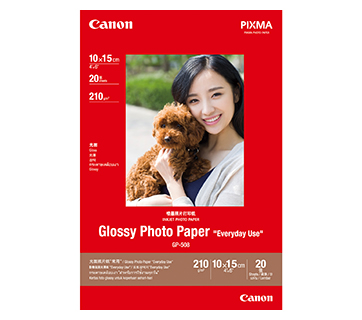
20 แผ่น
20 sheets
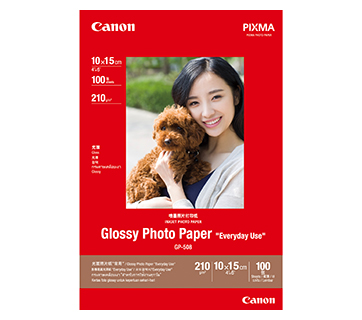
100 แผ่น
GP-508 Glossy Photo Paper
- Economical
- Good Photo Results
- Glossy Finish. Vibrant Colour.
- Grammage - 210g/m2
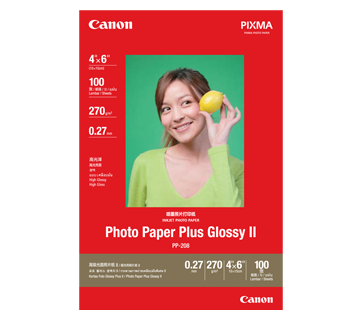
100 แผ่น
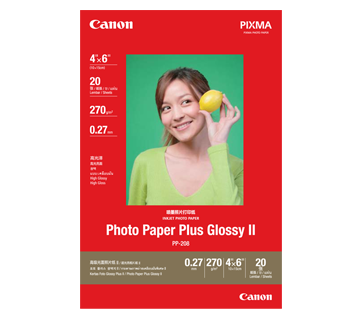
20 แผ่น
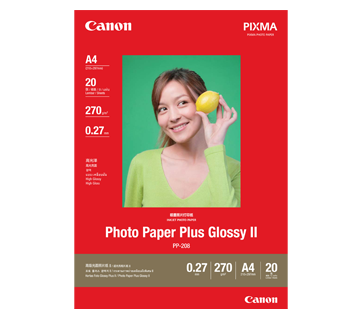
20 แผ่น
PP-208 Photo Paper Plus Glossy II
- High quality photo paper
- Ultra-glossy finish
- Grammage - 270g/m2
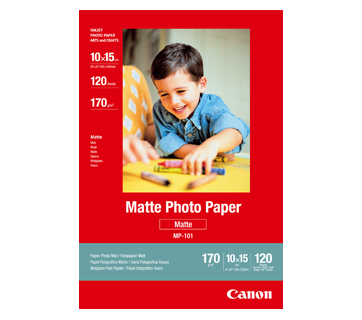
120 แผ่น
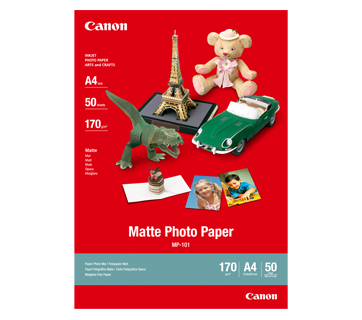
50 แผ่น
MP-101 Matte Photo Paper
- Non-reflective surface
- Ideal for craft making, greeting cards and scrapbooking
- Colours last up to 15 years
- Grammage – 170g/m2
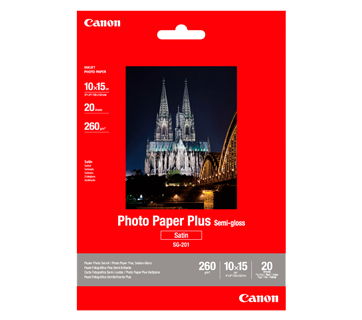
20 แผ่น
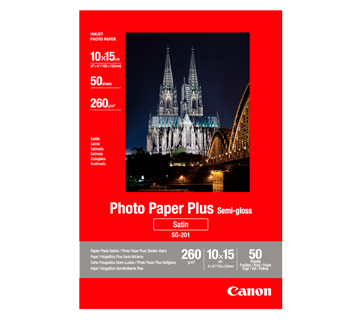
50 แผ่น
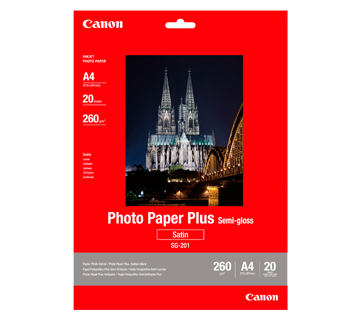
20 แผ่น
SG-201 Photo Paper Plus Semi-Gloss
- Semi-gloss finish
- Grammage - 260g/m2
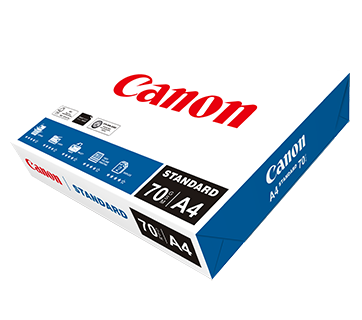
500 แผ่น/รีม (5/ctn)
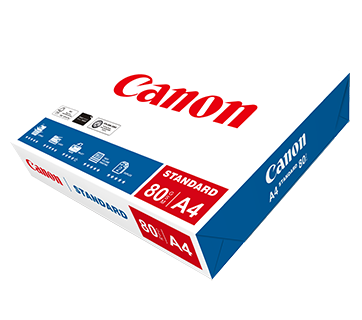
500 แผ่น/รีม (5/ctn)
Standard Paper
Canon Standard is made for high volume and quality printing while keeping the running cost competitive. Ideal paper for your daily high intensity printing needs.
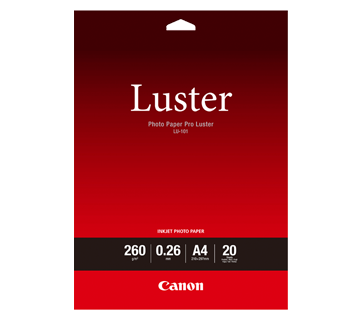
20 แผ่น
LU-101 Photo Paper Pro Luster
- Fast drying time
- Consistent look and colour under display lighting
- Ideal for studio and special event photos
- Semi-gloss finish
- Grammage - 260g/m2
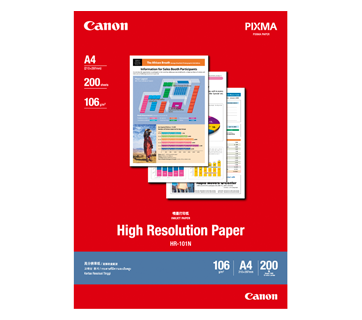
200 แผ่น
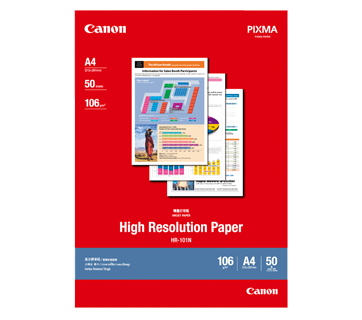
50 แผ่น
HR-101N High Resolution Paper
- Coated paper
- Produces brilliantly coloured text and graphic
- Grammage – 106g/m2
อ่านที่เกี่ยวข้อง

ข้อมูลจำเพาะ
Print Head/Consumables |
|
Number of Nozzles |
Total 4,352 nozzles |
Ink Cartridges (Type/Colours) |
PGI-2700 (Pigment Ink/Black, Cyan, Magenta, Yellow)
|
Maximum Print Resolution |
600 (Horizontal) x 1,200 (Vertical) dpi |
Print Speed*1 (Approx.) Click here for summary report
|
|
Document (ESAT/Simplex) |
24 / 15.5 ipm (Mono/Colour) |
Document (Max.) |
32.5 / 26.5 ppm*2 (Mono/Colour) |
Document (ESAT/Duplex) |
13 / 9.5 ipm (Mono/Colour) |
Document (FPOT Ready/Simplex) |
6 / 7 sec (Mono/Colour) |
Document (FPOT Sleep/Simplex) |
10 / 12 sec (Mono/Colour) |
Print Width |
Up to 203.2 mm (8") |
Recommended Printing Area |
Top margin: 45.8 mm
|
Paper Handling
Print Margin |
|
Bordered Printing |
LTR, LGL:
|
Bordered Auto Duplex Printing |
LTR, LGL:
|
Supported Media |
|
Rear Tray |
Plain Paper (64 - 105 g/m²)
|
Auto 2-Sided Printing
|
A4, LTR |
Paper Size |
|
Cassette |
A4, A5, A6, B5, LTR, LGL, B-Oficio*3, M-Oficio, Foolscap, LGL (India) Executive, Envelope (COM10, DL, C5, Monarch), 4 x 6", 5 x 7", 7 x 10", 8 x 10"
|
Auto 2-Sided Printing
|
A4, LTR |
Maximum Capacity |
|
Cassette 1 (Upper) |
Plain Paper, 64 g/m² (A4, A5, B5, LTR, LGL): 250
|
Cassette 2 (Lower) |
Plain Paper, 64 g/m² (A4, LTR, LGL): 250 |
Auto Document Feeder |
Plain Paper (A4, LTR): 50
|
Paper Weight |
|
Cassette 1 (Upper) |
Plain Paper: 64 - 105 g/m²
|
Cassette 2 (Lower) |
Plain Paper: 64 - 105 g/m² |
Network
Protocol |
SNMP (Standard MIB), TCP/IP |
Wired LAN |
|
Type |
IEEE802.3u (100BASE-TX) / IEEE802.3 (10BASE-T) |
Wireless LAN |
|
Type |
IEEE802.11b/g/n
|
Security |
WEP 64/128 bit
|
Direct Connection (Wireless LAN) |
Available |
Printing Solutions
Canon Printing Apps |
|
Mobile |
Canon PRINT, Easy-PhotoPrint Editor |
Others |
Easy-Layout Editor, PosterArtist Lite, PosterArtist (Web) |
Mobile/Cloud Printing Solutions |
AirPrint® , Mopria® Print Service, Canon Print Service (Android), Cloud Integration Service |
System Requirements
OS System Compatibility*5 |
Windows 10 / 8 / 7 SP1 / Windows Vista SP2, |
General Specifications
Operation Panel |
|
Display |
Full Dot |
Interface |
USB 2.0 |
Operating Environment*6 |
|
Temperature |
5 - 35°C |
Humidity |
10 - 90% RH (no dew condensation) |
Recommended Environment*7 |
|
Temperature |
15 - 30°C |
Humidity |
10 - 80% RH (no dew condensation) |
Storage Environment |
|
Temperature |
0 - 40°C |
Humidity |
5 - 95% RH (no dew condensation) |
Quiet Mode |
Available |
Acoustic Noise*8 |
|
Plain Paper (A4, Mono) |
56 dB(A) |
Power Requirements |
AC 100 - 240 V, 50/60 Hz |
Power Consumption (Approx.) |
|
OFF |
0.3 W |
Standby |
0.9 W |
Operation*9 |
27 W |
Duty Cycle |
Up to 30,000 pages/month |
Dimensions (W x D x H) |
|
Factory Configuration |
463 x 394 x 290 mm |
Paper Installed (A4/LTR) |
463 x 459 x 290 mm |
Output/ADF Trays Extended |
463 x 607 x 290 mm |
Weight |
9.6 kg |
Page Yield*10
Plain Paper
|
A4 Colour Documents*11:
|
- Document print speeds are the average of ESAT (Word, Excel, PDF) in Office Category Test for the default simplex mode, ISO/IEC 24734.
Document print speeds are the averages of FPOT in Office Category Test for the default simplex mode, ISO/IEC 17629:2014.
Print speed may vary depending on system configuration, interface, software, document complexity, print mode, page coverage, type of paper used etc.
During successive printing, the printer may slow down the operation to prevent the internal temperature from rising. - PPM print speed is based on the highest speed settings using Canon standard patterns on A4 plain paper.
- Not supported for Mac.
- F4 is possible via custom size settings.
- Please visit https://asia.canon/support to check OS compatibility and to download the latest driver updates.
- The performance of the printer may be reduced under certain temperature and humidity conditions.
- For the temperature and humidity conditions of papers such as photo paper, refer to the paper's packaging or the supplied instructions.
- Acoustic Noise is measured based on ISO7779 standard with default settings.
- When printing ISO/JIS-SCID N2 (printed by inkjet printer) on A4 size plain paper using default settings.
- Page yields may vary depending on content coverage, print settings, temperature, humidity, and frequency of printing.
- Declared yield value is in accordance with ISO/IEC 24711, using the ISO/IEC 24712 colour chart. Values obtained by continuous printing.
Disclaimer
- To maintain optimal printer performance, Canon printer automatically perform cleaning based on its condition. During this cleaning process, a small amount of ink is consumed, which may include all colours of ink.
[Cleaning Function]
The cleaning function helps remove air bubbles or clogs from the print head nozzles, preventing degradation in print quality or nozzle blockages.. - Replacement parts for printers will be available for five years after production is discontinued. Depending on your model, we may recommend replacing it with a new unit or one that offers similar performance as part of our maintenance service. In such cases, you may find that supplies or accessories for your model are no longer available, or that compatible operating systems may change.
- To achieve optimal print quality, use the ink within six months of opening.
- Depending on your device, whether it is a computer or a smartphone and its operating system, the estimated ink level information displayed on your screen may differ from what appears on the printer's operation panel. Additionally, some parts of the estimated ink level message shown on the printer may not be visible or may appear at different times. Canon recommends using the information displayed on the printer's operation panel as your primary reference, noting that this information serves only as a guideline.
- Depending on the type of paper and print settings, colour ink may still be used even when you print a monochrome document. If any colour of ink runs out, you will need to replace the ink cartridge.
- You must install ink cartridges of all colours, regardless of whether you are printing in monochrome or colour. If any ink cartridges is not installed, an error will occur, and printing will not be possible.
- When you use the Canon printer for the first time after installing the bundled ink cartridges, the printer consumes a small amount of ink to fill the nozzles of the print head. As a result, the number of sheets you can be printed with the initial set of ink cartridges is fewer than the subsequent cartridges.
- The printing costs mentioned in the brochures or on the website are based on consumption data from the second and subsequent ink cartridges, not the first one.
- For warranty details, please contact a Canon authorised sales representative in your country or region.
- Please be aware that if a problem arises from using non-genuine ink cartridges (including those refilled with non-genuine ink through methods such as making a hole in the cartridge), a fee will be charged for repairs, even during the warranty period. Keep this in mind when using non-genuine ink.
- Using non-genuine inks may affect the printer's performance and print quality. In rare cases, where there are no safety concerns, non-genuine inks can cause the print head to overheat and emit smoke due to the absence of certain ingredient found in genuine ink.
[Note: This does not apply to usage of all non-genuine inks.]
ซื้อที่ไหนและอย่างไร
เครื่องคำนวณ TCO
ข้อจำกัดความรับผิดชอบของสินค้า
- 01. ราคา, ข้อมูลจำเพาะ, การวางจำหน่ายและข้อกำหนดในการให้บริการอาจมีการเปลี่ยนแปลงโดยไม่ต้องแจ้งให้ทราบล่วงหน้า
- 02. ผลิตภัณฑ์/บริการอาจได้รับการผลิตและ/หรือจัดหาให้กับแคนนอนโดยผู้ผลิต/ผู้จัดหาที่เป็นบุคคลที่สามเพื่อการจำหน่าย/ขายต่อ (ผลิตภัณฑ์ที่ไม่ใช่ตราสินค้าแคนนอน)
- 03. ราคาข้างต้นเป็นราคาขายปลีกที่แนะนำในสกุลเงินบาทและอาจมีการเปลี่ยนแปลงโดยไม่ต้องแจ้งให้ทราบล่วงหน้า