








Checking a memory card’s available space or used space
สารละลาย
You can verify how much of the memory card is currently available for recording or how much is in use total recording time and total number of photos using [Available Space in Memory] / [Used Space in Memory]. You can also check the memory card's Speed Class.
This section explains how to check the [Available Space in Memory].
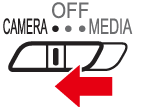
1. Set the power switch to [CAMERA].
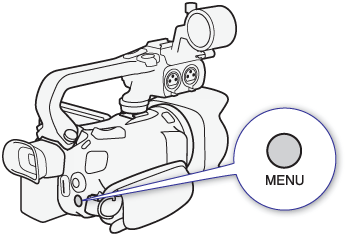
2. Press the MENU button.
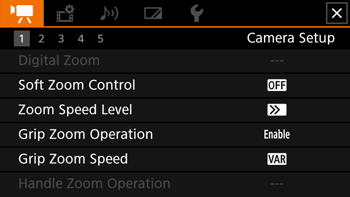
3. Select [  ] > [Available Space in Memory]
] > [Available Space in Memory]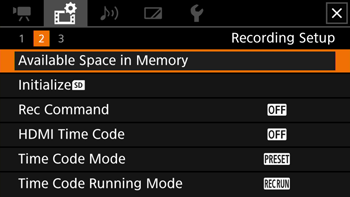
4. Select the desired SD card [  ] or [
  ]
]
] or [ ]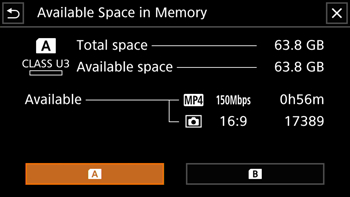
5. Check the available space.
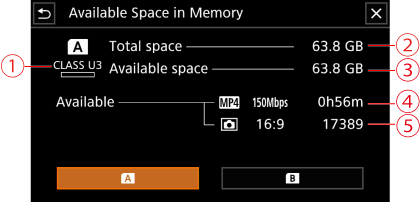
 SD Speed Class
 Total space
 Available Space / Used Space
 MP4 Movies: Remaining recording time*
 Photo: Available number of photos*
*Estimated figures about available clip recording time and available number of photos are approximate and based on the video configuration currently in use and a photo size of 1920 x 1080.