





LiDE 400
LiDE 400
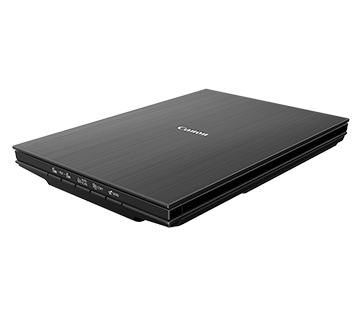
LiDE 400
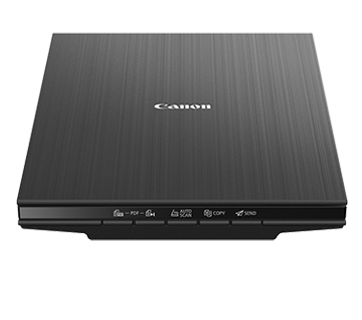
เครื่องสแกนแบบแท่นวาง ที่รวดเร็วและกะทัดรัดนี้รองรับการสแกน PDF แบบหลายหน้า
โปรโมชั่น
คุณสมบัติเด่น
คุณสมบัติ
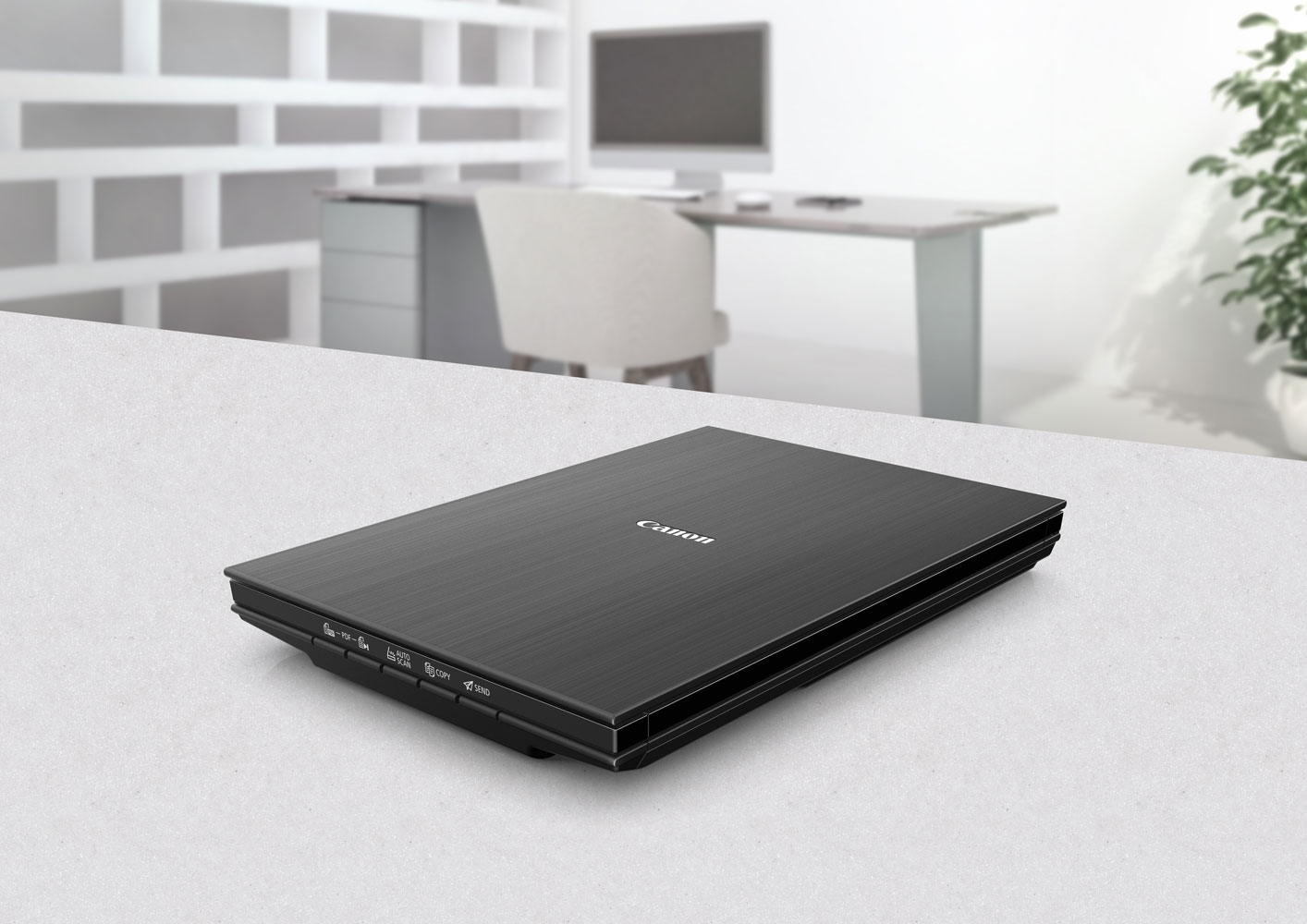
กะทัดรัดและน้ำหนักเบา
คุณสามารถติดตั้งเครื่องสแกนได้อย่างง่ายดายแม้ในพื้นที่ขนาดเล็กหรือบนชั้นวางในบ้านของคุณ
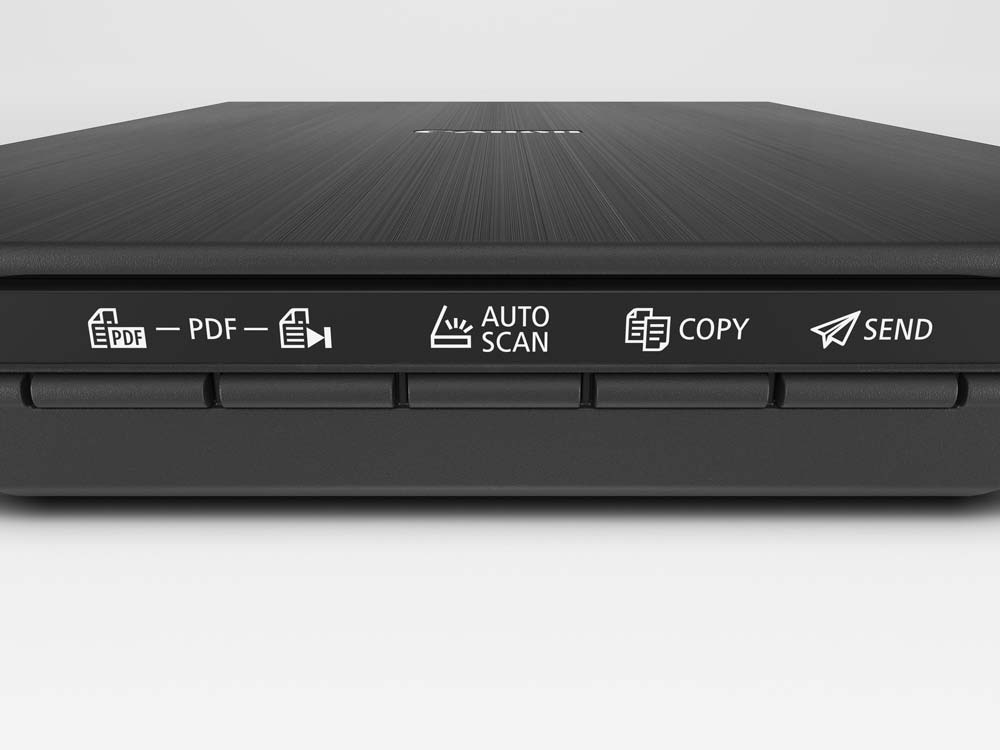
ปุ่ม EZ 5 ฟังก์ชัน
ปุ่ม EZ ช่วยให้สามารถสแกนเอกสาร (PDF) หรือภาพถ่ายต้นฉบับได้ในสัมผัสเดียว รองรับการสแกนด่วนสำหรับ PDF หลายหน้า
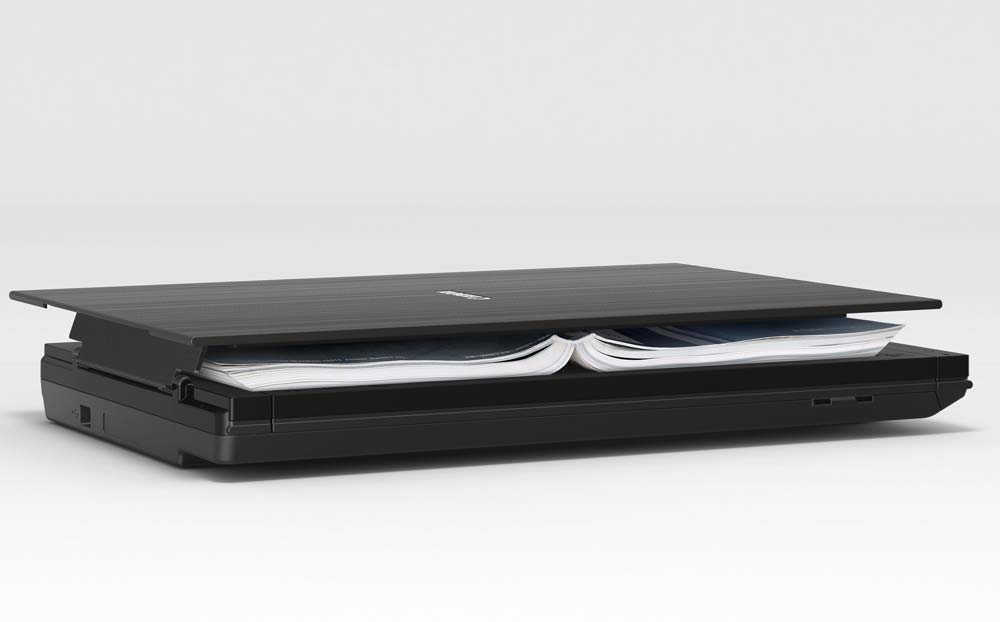
ฝาปิดแบบ Advanced Z-lid
ฝาปิดแบบ Advanced Z-lid สามารถยกขึ้นขนานกับแท่นสแกนได้สูงสุด 21 มม. เป็นตัวช่วยในการสแกนหนังสือและนิตยสารเล่มหนา หรือกองเอกสารขนาดใหญ่ที่ให้คุณภาพสูงได้อย่างยอดเยี่ยม
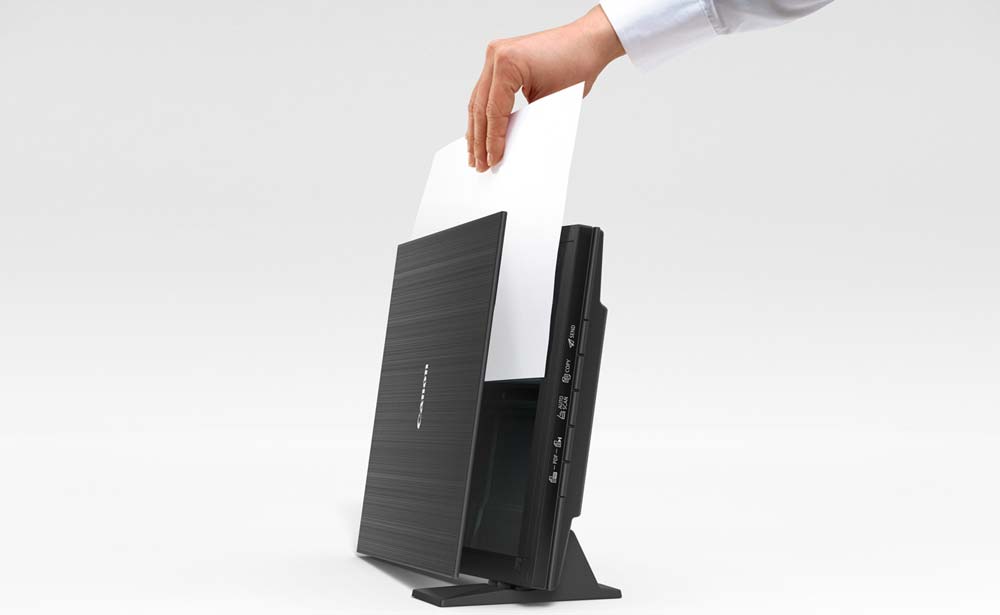
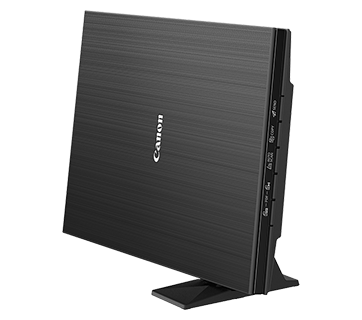
การสแกนแบบตั้งตะแคง
LiDE 400 สามารถสแกนได้ในแนวตั้งตะแคง
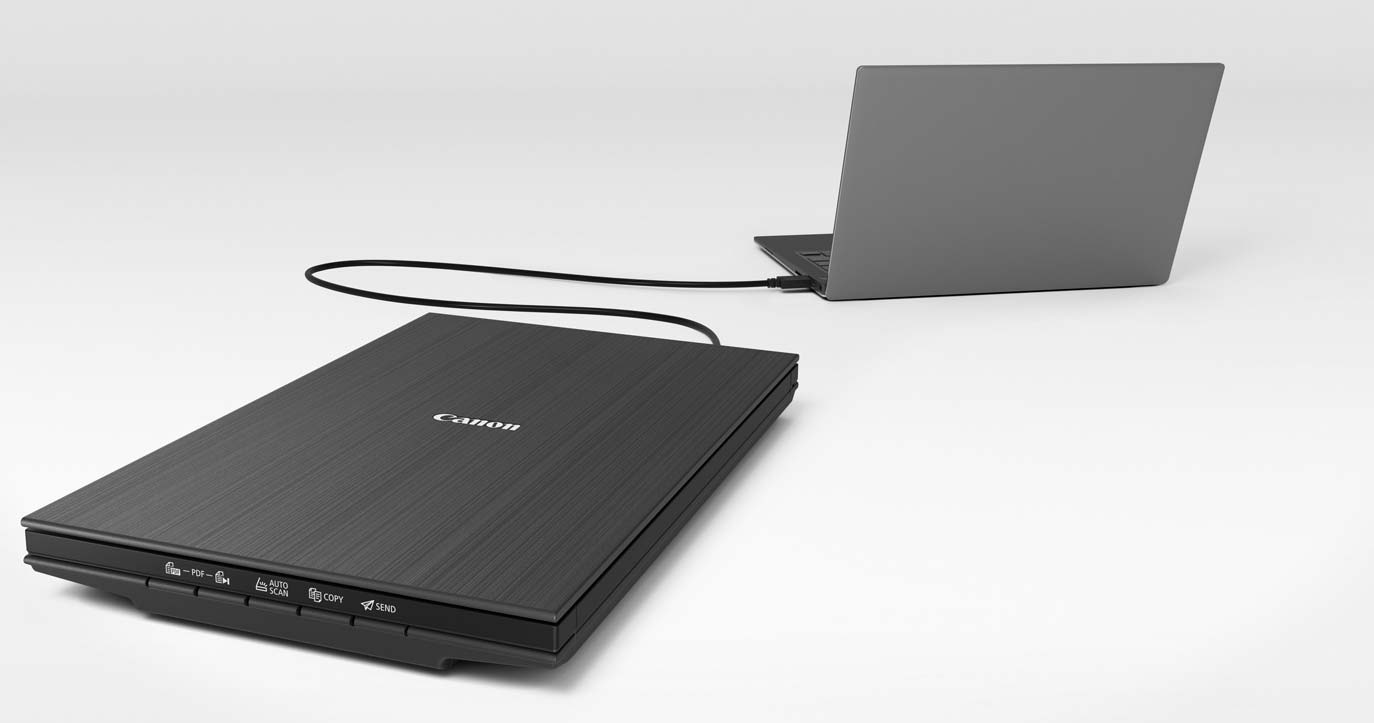
รองรับการจ่ายไฟผ่านพอร์ต USB
รองรับอินเตอร์เฟส USB C ล่าสุดเพื่อความสะดวกในการเสียบปลั๊กได้หลายทิศทาง นอกจากนี้ยังรองรับการถ่ายโอนพลังงานและข้อมูลโดยตรงผ่านการเชื่อมต่อจาก USB พอร์ตเดียว ทำให้ไม่ต้องใช้อะแดปเตอร์ไฟ AC แยกต่างหาก
อ่านที่เกี่ยวข้อง

ข้อมูลจำเพาะ
Scan
|
Scanner Type |
Flatbed |
|
Scanner Element |
CIS (Colour Contact Image Sensor) |
|
Light Source |
3-colour (RGB) LED |
|
Optical Resolution*1 |
4800 x 4800dpi |
|
Selectable Resolution*2 |
25 - 19200dpi |
|
Scanning Bit Depth |
|
|
Grayscale |
16-bit input |
|
Colour |
48-bit input (16-bit for each colour) |
|
Scanner Speed |
|
|
Preview Speed*3 |
Approx. 7 sec |
|
Scan Speed*4 |
|
|
Colour A4, 300dpi |
Approx. 8 sec |
|
Colour 4x6, 300dpi |
Approx. 4 sec |
|
Scanning Speed*5 |
|
|
Grayscale, B&W |
8.2msec/line (4800 dpi) |
|
Colour |
25.4msec/line (4800 dpi) |
|
Maximum Document Size |
A4 / Letter (216 x 297mm) |
|
Scanner Buttons (EZ Buttons) |
5 buttons (PDF x 2, AUTOSCAN, COPY, SEND) |
|
Interface |
USB 2.0 Hi-Speed Type-C |
|
System Requirements*6 |
Windows 10 / 8.1 / 7 SP1 |
|
Operating Environment |
|
|
Temperature |
5 - 35°C |
|
Humidity |
10 - 90% RH (no dew condensation) |
|
Power Supply |
Supplied via USB port |
|
Power Consumption |
|
|
Maximum during operation |
approx. 4.5W |
|
Stand-by |
approx. 0.3W |
|
Environment |
|
|
Regulation |
RoHS (EU, China), WEEE (EU) |
|
Eco-label |
Energy Star |
|
Dimension (WxDxH) |
250×367×42mm |
|
Weight |
1.7kg |
Specifications are subject to change without notice.
- Optical resolution is a measure of maximum hardware sampling resolution, based on ISO 14473 standard.
- Increasing the scanning resolution will limit the maximum possible scanning area.
- Pre-processing time is not included.
- Connecting the bundled USB cable to the port corresponding to USB3.0 and above on PC. Colour document scan speed: (Colour A4, 300dpi) is measured with ISO/IEC 29183 Target-A. Colour photo scan speed: (4x6", 300dpi) is measured with ISO//JIS SCID No.2. Scan speed indicates the time measured between pressing the scan button of the scanner driver and the on-screen status display turns off. Scan speed may vary depending on system configuration, interface, software, scan mode settings and document size etc.
- The fastest speed in Hi-Speed USB on Windows PC. Transfer time to computer is not included.
- To confirm OS compatibility and download the latest driver updates, please visit Canon Support page.
NOTE:
TWAIN driver (ScanGear) is based on the TWAIN specification V1.9 and requires the Data Source Manager comes with the operating system.
ซื้อที่ไหนและอย่างไร
ห้องสมุดรูปภาพ


ข้อจำกัดความรับผิดชอบของสินค้า
- 01. ราคา, ข้อมูลจำเพาะ, การวางจำหน่ายและข้อกำหนดในการให้บริการอาจมีการเปลี่ยนแปลงโดยไม่ต้องแจ้งให้ทราบล่วงหน้า
- 02. ผลิตภัณฑ์/บริการอาจได้รับการผลิตและ/หรือจัดหาให้กับแคนนอนโดยผู้ผลิต/ผู้จัดหาที่เป็นบุคคลที่สามเพื่อการจำหน่าย/ขายต่อ (ผลิตภัณฑ์ที่ไม่ใช่ตราสินค้าแคนนอน)
- 03. ราคาข้างต้นเป็นราคาขายปลีกที่แนะนำในสกุลเงินบาทและอาจมีการเปลี่ยนแปลงโดยไม่ต้องแจ้งให้ทราบล่วงหน้า