




ผลิตภัณฑ์

ประเภทสินค้า

กล้องถ่ายภาพ เครื่องพิมพ์ สแกนเนอร์ กล้องวิดีโอ ผลิตภัณฑ์อื่นๆ

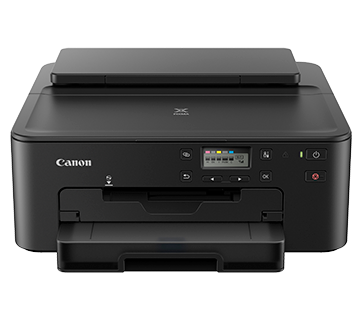
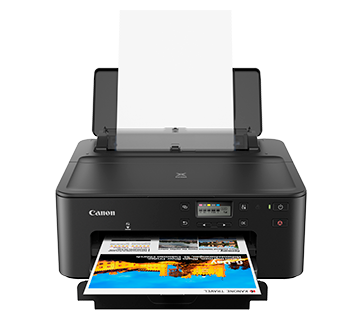
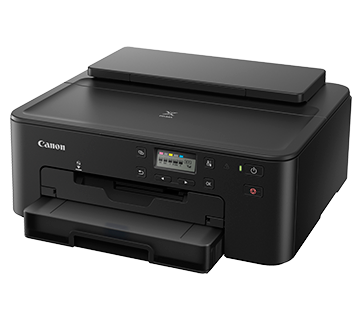
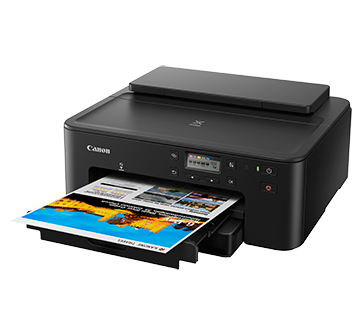
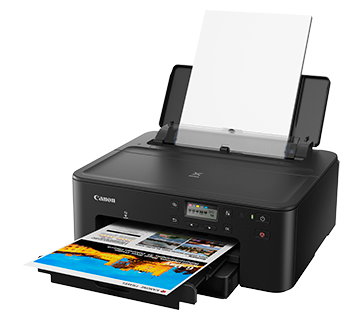
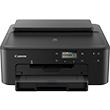
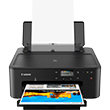
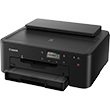
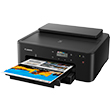
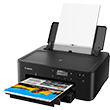
PIXMA TS707 / TS707a

RRP
เครื่องพิมพ์ไร้สายประสิทธิภาพสูงสำหรับการใช้งานที่บ้านหรือในสำนักงานขนาดเล็ก

เครื่องพิมพ์ภาพแบบไร้สายประสิทธิภาพสูงมีขนาดกะทัดรัดและออพชั่นการพิมพ์ที่หลากหลายสำหรับการพิมพ์ที่บ้านหรือในสำนักงานขนาดเล็ก

คุณสมบัติเด่น

คุณสมบัติ

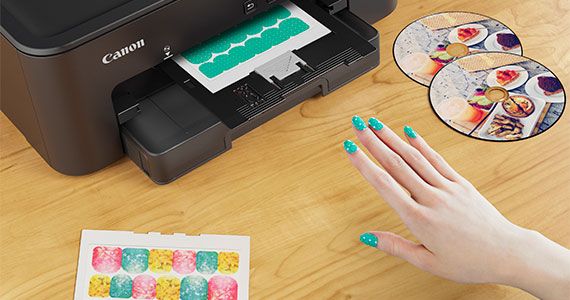
ถาดอเนกประสงค์สำหรับงานพิมพ์สร้างสรรค์

ไม่เพียงแต่จะสามารถพิมพ์รูปภาพลงบนแผ่นดิสก์ได้โดยตรงเท่านั้น แต่คุณยังสามารถสร้างงานศิลปะของคุณเองได้ด้วยแอพ CANON NAIL STICKERS CREATOR และพิมพ์ลงบนกระดาษสติ๊กเกอร์แปะเล็บ
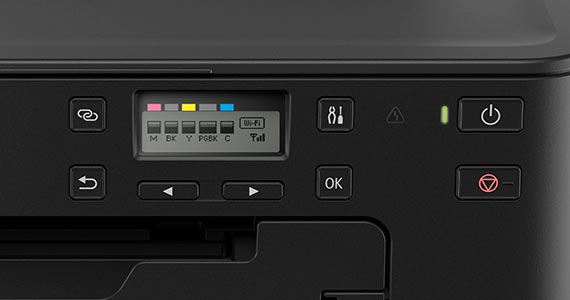
เชื่อมต่อแบบโร้สายได้โดยตรงในสัมผัสเดียว

เชื่อมต่อไร้สายกับสมาร์ทโฟนและสั่งพิมพ์ได้แม้จะไม่มีเราเตอร์ไร้สาย
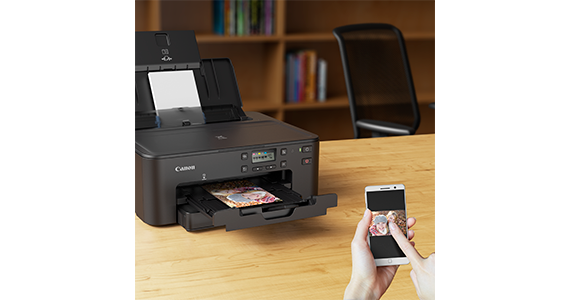
การพิมพ์ผ่านมือถือและคลาวด์

ด้วยแอพดาวน์โหลดฟรี เช่น CANON PRINT INKJET/SELPHY ทั้งระบบ IOS และ ANDRIOD ของแคนนอน คุณจะสามรถพิมพ์เอกสารที่เก็บไว้ในหน่วยความจำของอุปกรณ์หรือบนพื้นที่จัดเก็บคลาวด์ได้
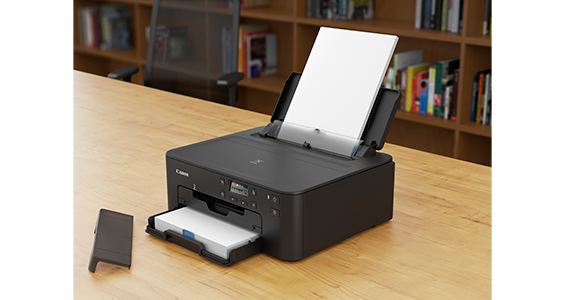
การฟีดกระดาษ 2 ทาง

สามารถใส่กระดาษได้ 2 ทาง (ทางกลักด้านหน้าและถาดด้านหลัง) ดังนั้น เครื่องพิมพ์จึงพร้อมพิมพ์สื่อสองประเภทที่แตกต่างกันหรือต่างขนาดกันตลอดเวลา
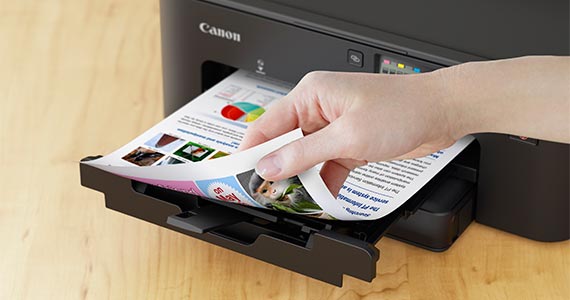
การพิมพ์สองหน้าแบบอัตโนมัติ

สนุกกับการสร้างสรรค์งานต่างๆ มากขึ้นและเพิ่มความง่ายในการใช้งานด้วยการพิมพ์ลงบนกระดาษทั้งสองหน้าโดยอัตโนมัติ
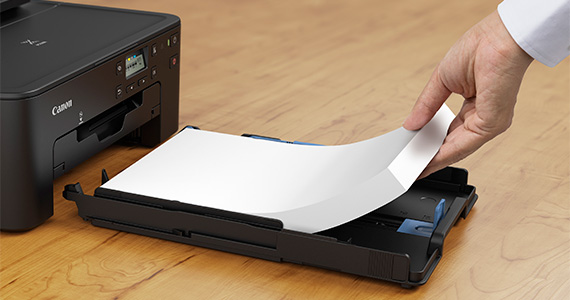
ออกแบบมาเพื่องานพิมพ์ในปริมาณมาก

สามารถรองรับการป้อนกระดาษได้มากถึง 350 แผ่น โดยใส่กระดาษจากช่องด้านหน้าได้ 250 แผ่นและจากถาดด้านหลังถึง 100 แผ่น
Related Pages

วัสดุสิ้นเปลืองที่เกี่ยวข้อง

ชื่อสินค้า
จำนวนหน้าที่พิมพ์ได้
ประเภทสินค้า
ราคา
CLI-781 BK (Black)
940 หน้า
Ink Cartridge
RRP THB 724.00
CLI-781 C (Cyan)
250 หน้า
Ink Cartridge
RRP THB 724.00
CLI-781 M (Magenta)
250 หน้า
Ink Cartridge
RRP THB 724.00
CLI-781 Y (Yellow)
250 หน้า
Ink Cartridge
RRP THB 724.00
CLI-781XL BK (Black)
8162 หน้า
Ink Cartridge
RRP THB 989.00
CLI-781XL C (Cyan)
800 หน้า
Ink Cartridge
RRP THB 989.00
CLI-781XL M (Magenta)
800 หน้า
Ink Cartridge
RRP THB 989.00
CLI-781XL Y (Yellow)
800 หน้า
Ink Cartridge
RRP THB 989.00
PGI-780 PGBK (Pigment Black)
200 หน้า
Ink Cartridge
RRP THB 795.00
PGI-780XL PGBK (Pigment Black)
600 หน้า
Ink Cartridge
RRP THB 1,109.00
ในกล่อง

ข้อจำกัดความรับผิดชอบ

  • 01. จำนวนหน้าโดยประมาณที่สามารถพิมพ์ได้อาจแตกต่างกันไปขึ้นอยู่กับความครอบคลุมของเนื้อหา,การตั้งค่าการพิมพ์,อุณหภูมิ,ความชื้นและความบ่อยในการพิมพ์
  • 02. สำหรับขวดหมึก, จำนวนหน้าที่ประกาศไว้คือจำนวนหน้าโดยประมาณตามวิธีการทดสอบของ Canon โดยใช้แผนภูมิสี ISO/IEC 24712 และการจําลองการพิมพ์อย่างต่อเนื่องด้วยขวดหมึกใหม่ 1 ชุด หลังจากการติดตั้ง
  • 03. สำหรับตลับหมึก, จำนวนหน้าที่ประกาศไว้ทดสอบโดยใช้มาตราฐาน ISO/IEC 24711 และใช้แผนภูมิสี ISO/IEC 24712 ซึ่งค่าที่ได้จากการพิมพ์ต่อเนื่อง

    สำหรับข้อมูลเพิ่มเติมคลิก
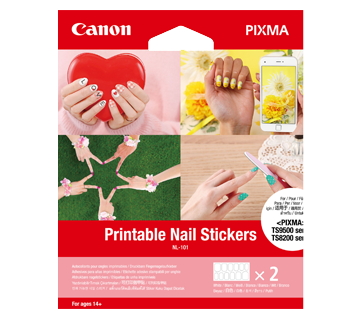
NL-101
10.8 x 4.85cm
2 sheets

NL-101

  • Create nail stickers using the latest PIXMA printers* and the Nail Sticker Creator app (iOS/Android)
  • Recommended for ages 14 and up
  • 12 stickers per sheet (2 sheets)
*Check printer’s compatibility here

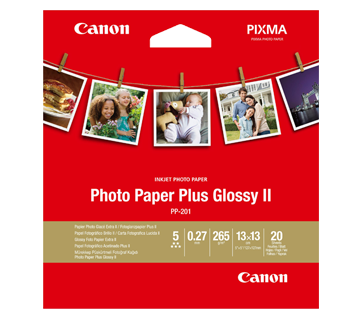
PP-201 Photo Paper Plus Glossy II

  • Excellent photographic result
  • Glossy finish, vibrant colour
  • Looks and feels like a traditional photograph
  • Colours last up to 30 years
  • Grammage - 265g/m2 (3.5 x 3.5”)
    Grammage - 275g/m2 (A3, A3+)
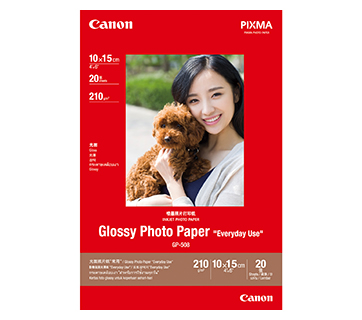
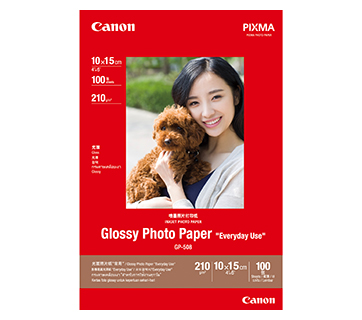
GP-508 Glossy Photo Paper
4 x 6"
20 แผ่น
GP-508 Glossy Photo Paper
GP-508 กระดาษโฟโต้ชนิดผิวมัน| 4 x 6”
100 แผ่น

GP-508 Glossy Photo Paper

  • Economical
  • Good Photo Results
  • Glossy Finish. Vibrant Colour.
  • Grammage - 210g/m2

GP-508 Glossy Photo Paper | GP-508 กระดาษโฟโต้ชนิดผิวมัน| 4 x 6” | 100 แผ่น
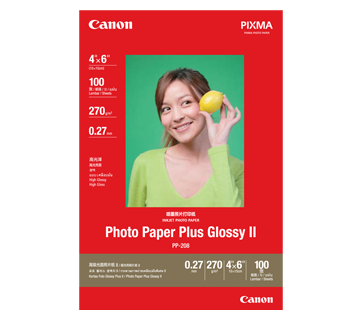
PP-208 Photo Paper Plus Glossy II
4 x 6”
100 แผ่น
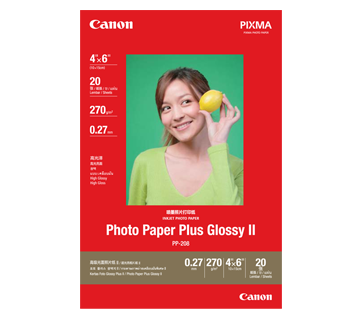
PP-208 Photo Paper Plus Glossy II
4 x 6”
20 แผ่น
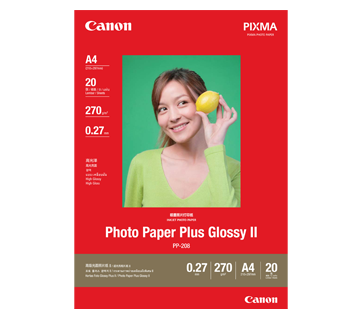
PP-208 Photo Paper Plus Glossy II
A4
20 แผ่น

PP-208 Photo Paper Plus Glossy II

  • High quality photo paper
  • Ultra-glossy finish
  • Grammage - 270g/m2

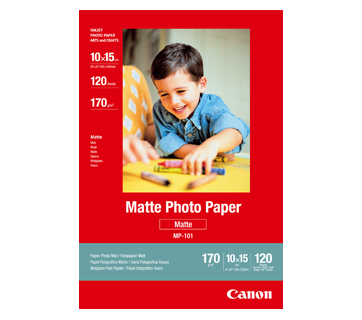
MP-101 Matte Photo Paper
4 x 6”
120 แผ่น
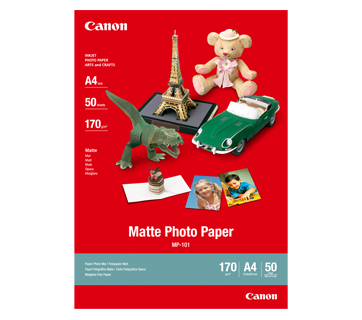
MP-101 Matte Photo Paper
A4
50 แผ่น

MP-101 Matte Photo Paper

  • Non-reflective surface
  • Ideal for craft making, greeting cards and scrapbooking
  • Colours last up to 15 years
  • Grammage – 170g/m2

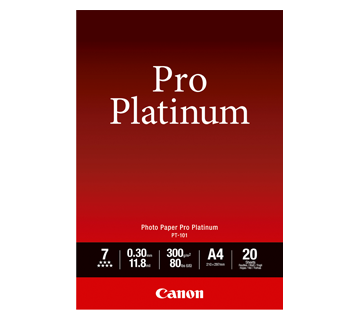
PT-101 Photo Paper Pro Platinum
4 x 6”
20 แผ่น
PT-101 Photo Paper Pro Platinum
A4
20 แผ่น

PT-101 Photo Paper Pro Platinum

  • Professional Photographic Result
  • Ultra Glossy and Heavyweight
  • Colours last up to 300 years
  • Grammage - 300g/m2

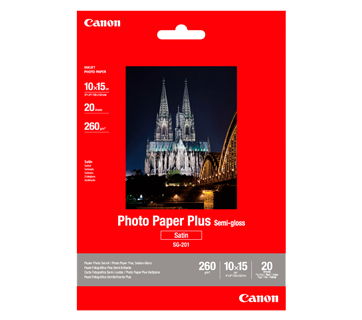
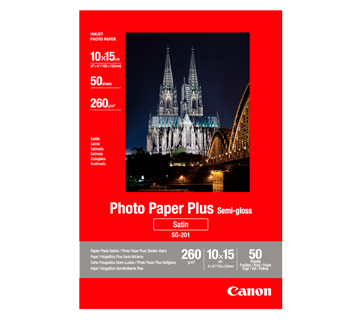
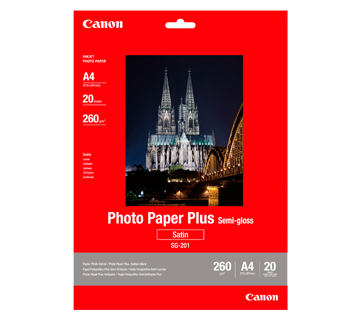
SG-201 Photo Paper Plus Semi-Gloss
4 x 6”
20 แผ่น
SG-201 Photo Paper Plus Semi-Gloss
4 x 6”
50 แผ่น
SG-201 Photo Paper Plus Semi-Gloss
A4
20 แผ่น

SG-201 Photo Paper Plus Semi-Gloss

  • Semi-gloss finish
  • Grammage - 260g/m2

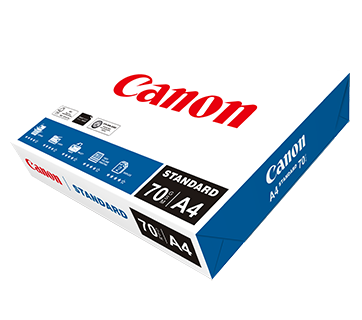
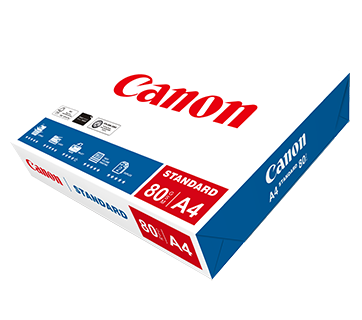
Standard Paper
A4 (70แกรม)
500 แผ่น/รีม (5/ctn)
Standard Paper
A4 (80แกรม)
500 แผ่น/รีม (5/ctn)

Standard Paper

Canon Standard is made for high volume and quality printing while keeping the running cost competitive. Ideal paper for your daily high intensity printing needs.
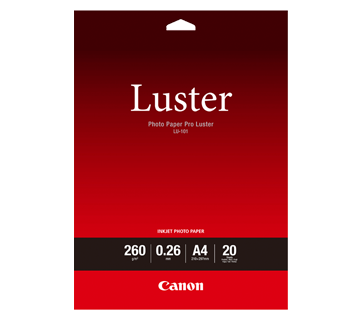
LU-101 Photo Paper Pro Luster
A4
20 แผ่น

LU-101 Photo Paper Pro Luster

  • Fast drying time
  • Consistent look and colour under display lighting
  • Ideal for studio and special event photos
  • Semi-gloss finish
  • Grammage - 260g/m2

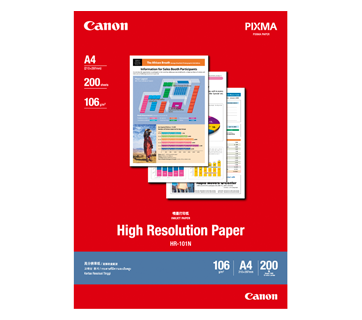
HR-101N High Resolution Paper
A4
200 แผ่น
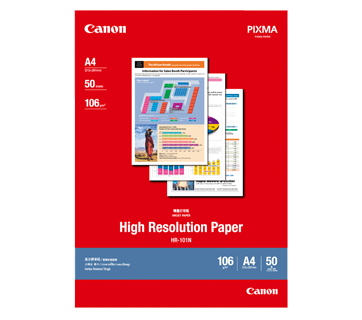
HR-101N High Resolution Paper
A4
50 แผ่น

HR-101N High Resolution Paper

  • Coated paper
  • Produces brilliantly coloured text and graphic
  • Grammage – 106g/m2

MP-101D Double-Sided Matte Paper
A4
50 แผ่น

MP-101D Double-Sided Matte Paper

  • Non-reflective surface
  • Ideal for craft making, greeting cards and scrapbooking
  • Grammage – 240g/m2

  • *Please check the supported media sizes against the compatible printers

ข้อมูลจำเพาะ

Print

Print Head / Ink

Type

Permanent

Number of Nozzles

Total 4,096 nozzles

Ink Cartridge (Type/Colour)

PGI-780 (Pigment Ink/Black)
CLI-781 (Dye-based Ink/Cyan, Magenta, Yellow, Black)
[Optional: PGI-780XL (Pigment Ink/Black),
CLI-781XL (Dye-based Ink/Cyan, Magenta, Yellow, Black)]

Maximum Printing Resolution

4800 (Horizontal)*1 x 1200 (Vertical) dpi

Print Speed*2 (Approx.)

Click here for Summary Report
Click here for Document Print and Copy Speed Measurement Conditions

Document (ESAT/Simplex)*3

15 / 10 ipm (Mono/Colour)

Document (FPOT Ready/Simplex)*4

 8 / 10 sec (Mono/Colour)

Photo (4 x 6") (PP-201/Borderless)*5

21 sec

Printable Width

Up to 203.2 mm (8"),
Borderless: Up to 216 mm (8.5")

Printable Area

Borderless Printing*6

Top/Bottom/Right/Left margin: each 0 mm

Bordered Printing

127 x 127 mm:
Top/Bottom/Left/Right margin: 6 mm

89 x 89 mm:
Top/Bottom/Left/Right margin: 5 mm

#10 Envelope/DL Envelope:
Top margin: 8 mm, Bottom margin: 12.7 mm
Left/Right margin: 5.6 mm

LTR/LGL:
Top margin: 3 mm, Bottom margin: 5 mm,
Left margin: 6.4 mm, Right margin: 6.3 mm

Others:
Top margin: 3 mm, Bottom margin: 5 mm,
Left/Right margin: 3.4 mm

Bordered Auto 2-Sided Printing

Top/Bottom margin: 5 mm,
Left/Right margin: 3.4 mm
(LTR: Left: 6.4 mm, Right: 6.3 mm)

Support Media

Rear Tray

Plain Paper
Photo Paper Pro Platinum (PT-101)
Photo Paper Pro Luster (LU-101)
High Resolution Paper (HR-101N)
Photo Paper Plus Glossy II (PP-201, PP-208)
Photo Paper Plus Semi-Gloss (SG-201)
Matte Photo Paper (MP-101)
Envelope
Photo Sticker (PS-208, PS-808)

Cassette

Plain Paper

Multi-purpose Tray

Printable Nail Sticker (NL-101), disc printing

Paper Size

Rear Tray

A4, A5, B5, LTR, LGL, Envelopes (DL, COM10), Square (5 x 5", 4 x 4", 89 x 89 mm), Card Size (91 x 55 mm), 4 x 6", 5 x 7", 7 x 10", 8 x 10"

[Custom size]
width 55 - 215.9 mm, length 89 - 676 mm
*F4 is possible via custom size settings.

Cassette

A4, A5, B5, LTR

[Custom size]
width 148 - 215.9 mm, length 210 - 297 mm
*F4 is possible via custom size settings.

Paper Size (Borderless)
Paper types NOT supported for borderless printing are as follows: Envelope, High Resolution Paper, T-Shirt Transfers

A4, LTR, 4 x 6", 5 x 7", 7 x 10", 8 x 10", Card Size (91 x 55 mm),
Square (5 x 5", 4 x 4", 89 x 89 mm)

Paper Handling (Maximum Number)

Rear Tray (Plain Paper)

A4/LTR = 100, HR-101N = 80

Rear Tray (Photo)

4 x 6" = 20, 5 x 7" = 10

Cassette (Plain Paper)

A4, LTR = 250

Multi-purpose Tray

1 sheet (Manual bypass)

Support Media for Auto 2-sided printing

Type

Plain Paper

Size

A4, A5, B5, LTR

Paper Weight

Rear Tray:

Plain Paper: 64 - 105 g/m2,
Canon specialty paper: Max. 300 g/m2
(Photo Paper Pro Platinum PT-101)

Cassette:

Plain Paper: 64 - 105 g/m2

Ink End Sensor

Dot count

Print Head Alignment

Auto/Manual

Network

Protocol

TCP/IP

Wired LAN

Network Type

IEEE802.3u (100BASE-TX)
IEEE802.3 (10BASE-T)

Data Rate

10M/100Mbps (Auto switchable)

Wireless

Network Type

IEEE802.11b/g/n
2.4 GHz, Supported Channels: 1 - 13
(TW: Supported Channels: 1 - 11 only)

Range

Indoor 50 m (Depends on the transmission speed and conditions)

Security

WEP 64/128 bit
WPA-PSK (TKIP/AES)
WPA2-PSK (TKIP/AES)

Direct Connection (Wireless LAN)

Available

Bluetooth (BLE)
* TS707a does not support Bluetooth function.

Available

Printing Solutions

AirPrint®

Available

Windows 10 Mobile

Available

Mopria® Print Service

Available

Canon Print Service
(for Android)

Available

Cloud Integration Service
(via smartphone/tablet)

Available

Canon PRINT
(for iOS/Android)

Available

System Requirements

Please visit https://asia.canon/support to check OS compatibility and to download the latest driver updates

Windows 10 / 8.1 / 7 SP1
(Operation can only be guaranteed on a PC with a pre-installed Windows 7 or later),

Mac OS X 10.10.5 ~ 10.11,
macOS 10.12 ~ 10.14 or later,

ChromeOS

General Specifications

Operation Panel

Display

Full dot

Language

32 Languages Selectable:
Japanese / English / German / French / Italian / Spanish / Dutch / Portuguese / Norwegian / Swedish / Danish / Finnish / Russian / Czech / Hungarian / Polish / Slovene / Turkish / Greek / Simplified Chinese / Traditional Chinese / Korean / Indonesian / Slovakian / Estonian / Latvian / Lithuanian / Ukrainian / Romanian / Bulgarian / Croatian / Vietnamese

Interface

USB 2.0

PictBridge (Wireless)

Available

Operating Environment*7

Temperature

5 - 35°C

Humidity

10 - 90% RH (No dew condensation)

Recommended Environment*8

Temperature

15 - 30°C

Humidity

10 - 80% RH (No dew condensation)

Storage Environment

Temperature

0 - 40°C

Humidity

5 - 95% RH (No dew condensation)

Quiet Mode

Available

Acoustic Noise (PC Print)*9

Plain Paper (A4, Mono)

50.5 dB(A)

Power

AC 100-240 V, 50/60 Hz

Power Consumption (Approx.)

OFF

0.3 W

Standby (scanning lamp is off)
USB connection to PC

0.9 W

Standby (all ports connected, scanning lamp is off)

1.6 W

Time to enter Standby mode

10 min 57 sec

Printing*10 (USB connection to PC)

23 W

Duty Cycle

15,000 sheets

Dimensions (WxDxH) (Approx.)

Factory Configuration

372 x 365 x 158 mm

Output/Trays Extended:

372 x 628 x 322 mm

Weight (Approx.)

5.4 kg

Page Yield*11

Plain Paper 
Click here for more information

A4 Colour Documents*12:
CLI-781 (C, M, Y) : 250 pages
CLI-781 BK: 1478*14 pages
PG-780 PGBK: 200 pages


Optional:
CLI-781XL (C, M, Y): 800 pages
CLI-781XL BK: 8162*14 pages
PG-780XL PGBK: 600 pages

Photo Paper (PP-201)
Click here for more information

4 x 6" Photos*13:

Standard:
CLI-781 (C, M, Y) : 98 sheets
CLI-781 BK: 240*14 sheets
PG-780 PGBK: 1518*14 sheets

Optional:
CLI-781XL (C, M, Y): 328 sheets
CLI-781XL BK: 892*11 sheets
PG-780XL PGBK: 7060*11 sheets

  1. Ink droplets can be placed with a pitch of 1/4800 inch at minimum.
  2. Print speed may vary depending on system configuration, interface, software, document complexity, print mode, page coverage, type of paper used etc.
  3. Document print speeds are the average of ESAT, based on the Office Category Test (Word, Excel, PDF), the default simplex mode, and the ISO/IEC 24734 standard. 
  4. Document print speeds are the average of FPOT, based on the Office Category Test, the default simplex mode, and the ISO/IEC 17629 standard.
  5. Photo print speed is based on the default setting using ISO/JIS-SCID N2 on Photo Paper Plus Glossy II and does not take into account data processing time on host computer.
  6. Paper Type NOT supported for borderless printing are as follows: Envelope, High Resolution Paper, T-Shirt Transfer, Photo Stickers.
  7. The performance of the printer may be reduced under certain temperature and humidity conditions.
  8. For the temperature and humidity conditions of papers such as photo paper, refer to the paper's packaging or the supplied instructions.
  9. Acoustic Noise is measured based on ISO 7779 standard with default setting.
  10. Print: When copying ISO/JIS-SCID N2 (printed by inkjet printer) on A4 size plain paper using default settings.
  11. Page yields may vary depending on content coverage, print settings, temperature, humidity, and frequency of printing.
  12. Declared yield value is in accordance with ISO/IEC 24711 (for A4 size), using ISO/IEC 24712 colour chart. Values obtained by continuous printing.
  13. Declared yield value is in accordance with ISO/IEC 29102, using ISO/IEC 29103 chart. Values obtained by continuous printing.
  14. Estimated supplemental yield. 

Disclaimer
  • To maintain optimal printer performance, Canon printer automatically perform cleaning based on its condition. During this cleaning process, a small amount of ink is consumed, which may include all colours of ink.
    [Cleaning Function]
    The cleaning function helps remove air bubbles or clogs from the print head nozzles, preventing degradation in print quality or nozzle blockages.
  • Replacement parts for printers will be available for five years after production is discontinued. Depending on your model, we may recommend replacing it with a new unit or one that offers similar performance as part of our maintenance service. In such cases, you may find that supplies or accessories for your model are no longer available, or that compatible operating systems may change.
  • To achieve optimal print quality, use the ink within six months of opening.
  • Depending on your device, whether it is a computer or a smartphone and its operating system, the estimated ink level information displayed on your screen may differ from what appears on the printer's operation panel. Additionally, some parts of the estimated ink level message shown on the printer may not be visible or may appear at different times. Canon recommends using the information displayed on the printer's operation panel as your primary reference, noting that this information serves only as a guideline.
  • Depending on the type of paper and print settings, colour ink may still be used even when you print a monochrome document. If any colour of ink runs out, you will need to replace the ink cartridge.
  • You must install ink cartridges of all colours, regardless of whether you are printing in monochrome or colour. If any ink cartridges is not installed, an error will occur, and printing will not be possible.
  • When you use the Canon printer for the first time after installing the bundled ink cartridges, the printer consumes a small amount of ink to fill the nozzles of the print head. As a result, the number of sheets you can be printed with the initial set of ink cartridges is fewer than the subsequent cartridges.
  • The printing costs mentioned in the brochures or on the website are based on consumption data from the second and subsequent ink cartridges, not the first one.
  • For warranty details, please contact a Canon authorised sales representative in your country or region. 
  • Ink cartridges sold are generally meant for use with printers sold in the same region. The ink cartridges may bear unique labels or configurations and may not be compatible for use with printers sold in another region. To ensure optimal performance of your printer, please check with your local Canon office or authorised Canon reseller before relocating your printer from the location of purchase.
  • Please be aware that if a problem arises from using non-genuine ink cartridges (including those refilled with non-genuine ink through methods such as making a hole in the cartridge), a fee will be charged for repairs, even during the warranty period. Keep this in mind when using non-genuine ink.
  • Using non-genuine inks may affect the printer's performance and print quality. In rare cases, where there are no safety concerns, non-genuine inks can cause the print head to overheat and emit smoke due to the absence of certain ingredient found in genuine ink.
    [Note: This does not apply to usage of all non-genuine inks.]

ซื้อที่ไหนและอย่างไร

เราขอแนะนำให้ติดต่อร้านค้าเพื่อยืนยันสต็อกสินค้าและชั่วโมงทำการก่อนไปเยี่ยมชม.

เครื่องคำนวณ TCO

ปริมาณการพิมพ์รายเดือน
ลากแถบเลื่อนเพื่อคำนวณจำนวนหน้า
หน้า
ระยะเวลาการใช้งานทั้งหมด
ลากแถบเลื่อนเพื่อคำนวณจำนวนปี
ปี
เลือกเครื่องพิมพ์
THB


ต้นทุนต่อการพิมพ์ :
เอกสารขาวดํา A4
เอกสารสี A4

ต้นทุนรวมของโอนเนอร์ :

เปรียบเทียบกับเครื่องพิมพ์อื่นๆ (ไม่บังคับ)
THB


ต้นทุนต่อการพิมพ์ :
เอกสารขาวดํา A4
เอกสารสี A4

ต้นทุนรวมของโอนเนอร์ :

ข้อจำกัดความรับผิดชอบของสินค้า

  • 01. ราคา, ข้อมูลจำเพาะ, การวางจำหน่ายและข้อกำหนดในการให้บริการอาจมีการเปลี่ยนแปลงโดยไม่ต้องแจ้งให้ทราบล่วงหน้า
  • 02. ผลิตภัณฑ์/บริการอาจได้รับการผลิตและ/หรือจัดหาให้กับแคนนอนโดยผู้ผลิต/ผู้จัดหาที่เป็นบุคคลที่สามเพื่อการจำหน่าย/ขายต่อ (ผลิตภัณฑ์ที่ไม่ใช่ตราสินค้าแคนนอน)
  • 03. ราคาข้างต้นเป็นราคาขายปลีกที่แนะนำในสกุลเงินบาทและอาจมีการเปลี่ยนแปลงโดยไม่ต้องแจ้งให้ทราบล่วงหน้า