





Displaying the Grid in the viewfinder (EOS 7D Mark II)
สารละลาย
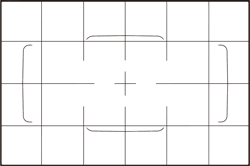
You can display a grid in the viewfinder to help you check the camera tilt or compose the shot.
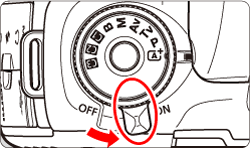
1. Set the camera's power switch to <ON>.
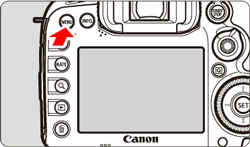
2. Press the <MENU> button to display the menu screen.
3. Press the < > button to select the [
  ] tab.
> button to select the [ ] tab.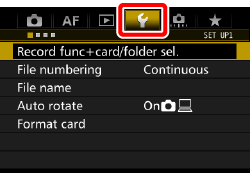
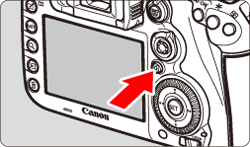
4. Turn the < > dial to select the [
  ] tab.
> dial to select the [ ] tab. 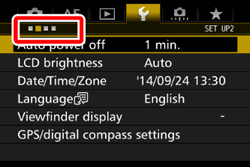
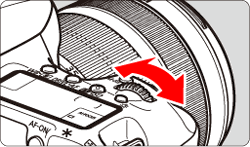
5. Turn the < > dial to select [Viewfinder display], then press <
 >.
>.
> dial to select [Viewfinder display], then press <>. 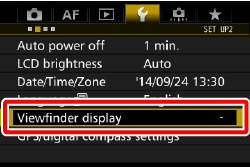
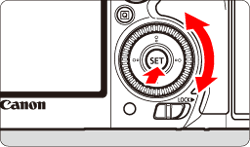
6. Turn the <> dial to select [VF grid display], then press <>.
> dial to select [VF grid display], then press <>. 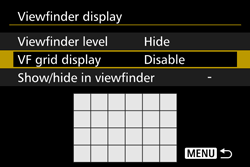
7. Turn the <> dial to select [Enable], then press <>.
> dial to select [Enable], then press <>. 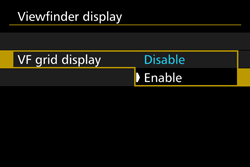
When you exit the menu, the grid will appear in the viewfinder.
REFERENCE
You can display a grid on the LCD monitor during Live View shooting and before you start shooting a movie