





PIXMA G6070
PIXMA G6070
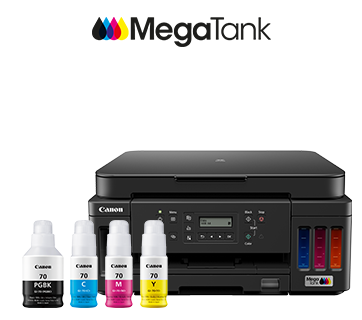
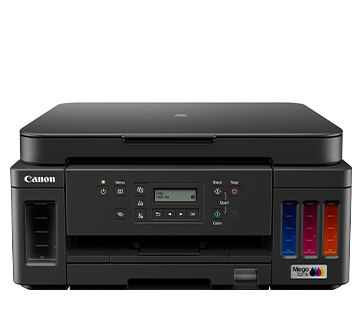
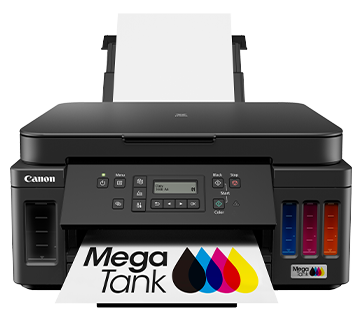
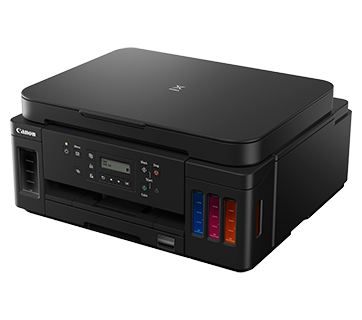
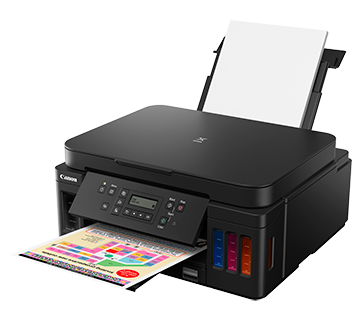
PIXMA G6070
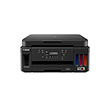
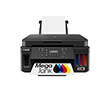
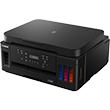
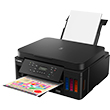
ได้รับการออกแบบมาเพื่อการพิมพ์ในปริมาณมากและมีต้นทุนต่ำ เครื่องพิมพ์ประสิทธิภาพสูงนี้รวบรวมเอาความกะทัดรัดและออพชันการพิมพ์ที่หลากหลายสำหรับการพิมพ์ที่บ้านหรือในสำนักงานขนาดเล็ก
โปรโมชั่น
คุณสมบัติเด่น
คุณสมบัติ
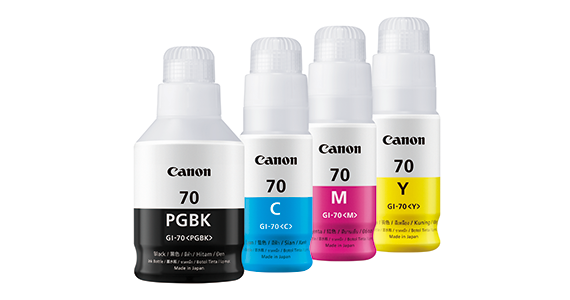
หมึกสำหรับการพิมพ์ปริมาณสูง
ด้วยหมึกสำหรับปริมาณการพิมพ์สูงถึง 8,300 หน้า (ขาว-ดำ) และ 7,700 หน้า (สี) ผู้ใช้งานสามารถพิมพ์งานได้โดยไม่ต้องกังวลกับค่าใช้จ่ายเกี่ยวกับหมึกพิมพ์หรือปัญหาหมึกพิมพ์เหลือน้อย

การออกแบบขวดหมึกพิมพ์แบบกันรั่วไหล
ขวดหมึกเป็นแบบกันรั่วไหลที่มีดีไซน์เป็นเอกลักษณ์ การเติมหมึกจะหยุดอัตโนมัติเมื่อช่องอากาศของแทงค์สัมผัสกับระดับของเหลว
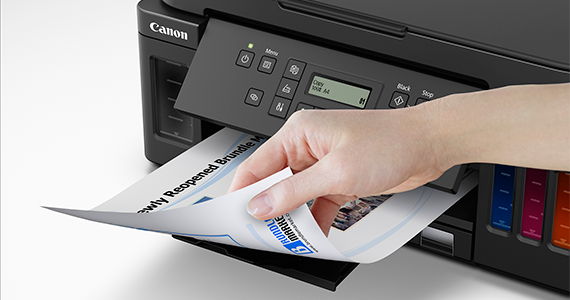
การพิมพ์ทั้งสองหน้าอัตโนมัติ
สนุกกับการผลิตงานที่เพิ่มขึ้นและการใช้งานอย่างง่ายของเครื่องพิมพ์ด้วยการพิมพ์บนกระดาษทั้งสองด้านโดยอัตโนมัติ
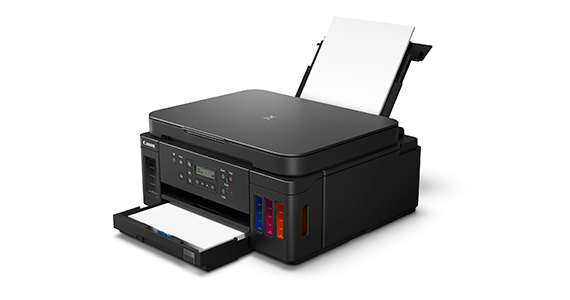
การฟีดกระดาษ 2 ทาง
สามารถใส่กระดาษได้ 2 ทาง (ทางกลักด้านหน้าและถาดด้านหลัง) ดังนั้น เครื่องพิมพ์จึงพร้อมพิมพ์สื่อสองประเภทที่แตกต่างกันหรือต่างขนาดกันตลอดเวลา
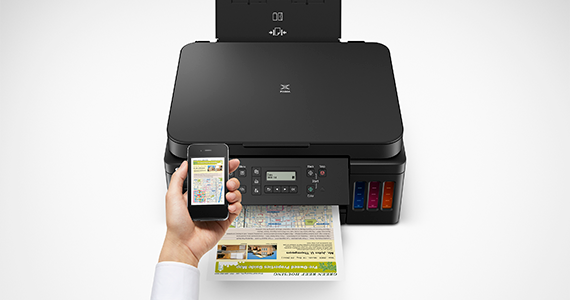
การพิมพ์ผ่านมือถือและคลาวด์
สามารถพิมพ์จากสมาร์ทโฟน โมบายแท็บเล็ต และแลปทอปด้วยแอพดาวน์โหลดฟรี เช่น CANON PRINT INKJET/SELPHY และ CANON EASY-PHOTOPRINT EDITOR
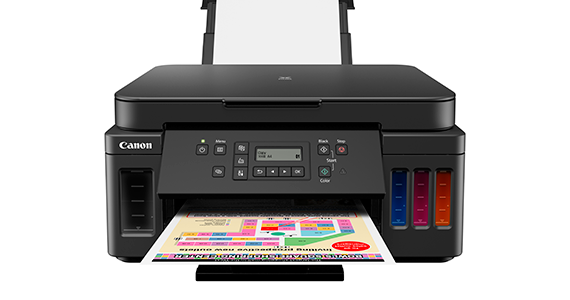
การพิมพ์ภาพแบบไร้ขอบ
เครื่องพิมพ์สามารถพิมพ์รูปแบบไร้ขอบได้ ดังนั้นคุณจะสามารถเห็นและแชร์รูปภาพแบบไม่มีขอบได้
Related Pages
วัสดุสิ้นเปลืองที่เกี่ยวข้อง
หมึก/ริบบอน/หัวพิมพ์
|
ชื่อสินค้า
|
จำนวนหน้าที่พิมพ์ได้
|
ประเภทสินค้า
|
ราคา
|
|
GI-70 C (Cyan)
|
7700
หน้า
|
ขวดหมึก
|
RRP
THB 396.00
|
|
GI-70 M (Magenta)
|
7700
หน้า
|
ขวดหมึก
|
RRP
THB 396.00
|
|
GI-70 PGBK (Pigment Black)
|
6000
หน้า
|
ขวดหมึก
|
RRP
THB 396.00
|
|
GI-70 Y (Yellow)
|
7700
หน้า
|
ขวดหมึก
|
RRP
THB 396.00
|
|
BH-70 (Black)
|
หัวพิมพ์
|
RRP
THB 1,293.00
|
|
|
CH-70 (Colour)
|
หัวพิมพ์
|
RRP
THB 1,293.00
|
ข้อจำกัดความรับผิดชอบ
- 01. จำนวนหน้าโดยประมาณที่สามารถพิมพ์ได้อาจแตกต่างกันไปขึ้นอยู่กับความครอบคลุมของเนื้อหา,การตั้งค่าการพิมพ์,อุณหภูมิ,ความชื้นและความบ่อยในการพิมพ์
- 02. สำหรับขวดหมึก, จำนวนหน้าที่ประกาศไว้คือจำนวนหน้าโดยประมาณตามวิธีการทดสอบของ Canon โดยใช้แผนภูมิสี ISO/IEC 24712 และการจําลองการพิมพ์อย่างต่อเนื่องด้วยขวดหมึกใหม่ 1 ชุด หลังจากการติดตั้ง
-
03. สำหรับตลับหมึก, จำนวนหน้าที่ประกาศไว้ทดสอบโดยใช้มาตราฐาน ISO/IEC 24711 และใช้แผนภูมิสี ISO/IEC 24712 ซึ่งค่าที่ได้จากการพิมพ์ต่อเนื่อง
สำหรับข้อมูลเพิ่มเติมคลิก
กระดาษ / กระดาษคุณสมบัติพิเศษ
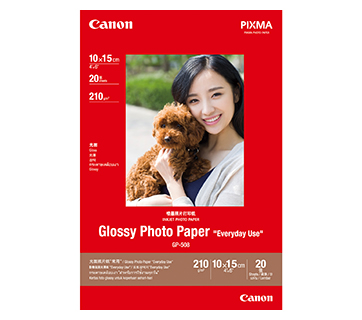
20 แผ่น
20 sheets
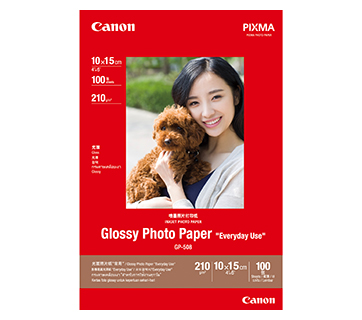
100 แผ่น
GP-508 Glossy Photo Paper
- Economical
- Good Photo Results
- Glossy Finish. Vibrant Colour.
- Grammage - 210g/m2
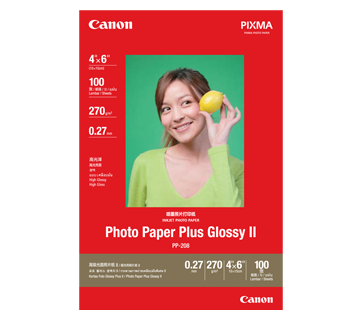
100 แผ่น
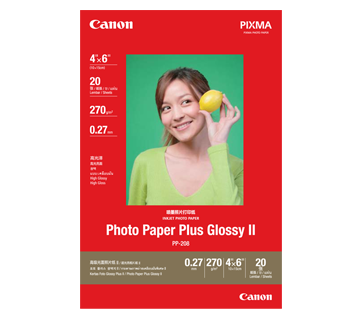
20 แผ่น
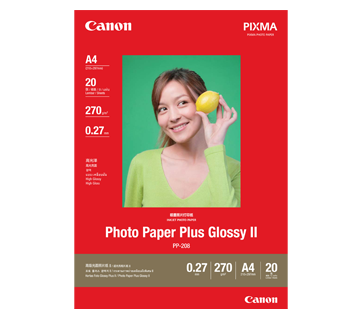
20 แผ่น
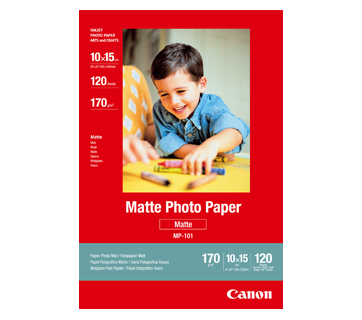
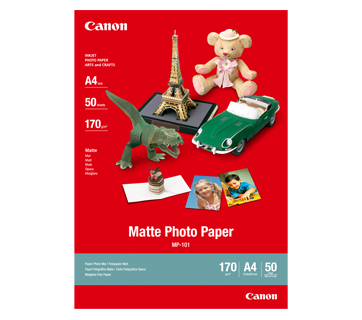

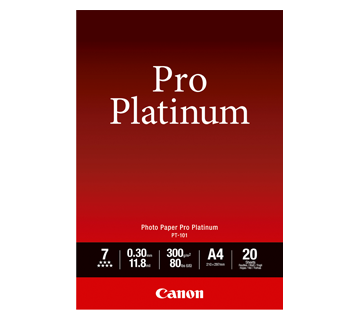
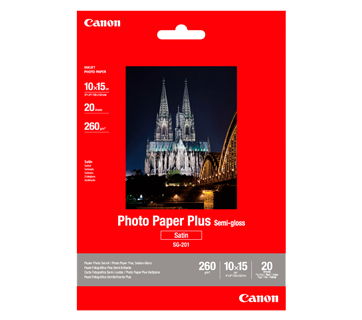
20 แผ่น
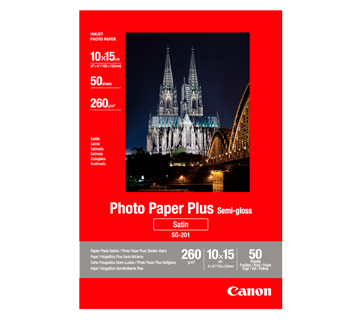
50 แผ่น
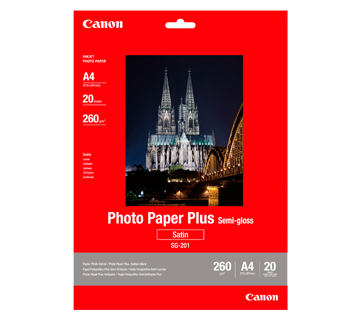
20 แผ่น
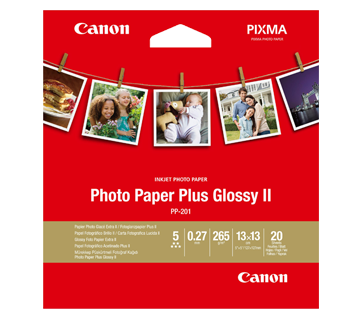
20 แผ่น
PP-201 Photo Paper Plus Glossy II
- Excellent photographic result
- Glossy finish, vibrant colour
- Looks and feels like a traditional photograph
- Colours last up to 30 years
- Grammage - 265g/m2 (3.5 x 3.5”)
Grammage - 275g/m2 (A3, A3+)
500 แผ่น/รีม (5/ctn)
500 แผ่น/รีม (5/ctn)
Standard Paper
Canon Standard is made for high volume and quality printing while keeping the running cost competitive. Ideal paper for your daily high intensity printing needs.
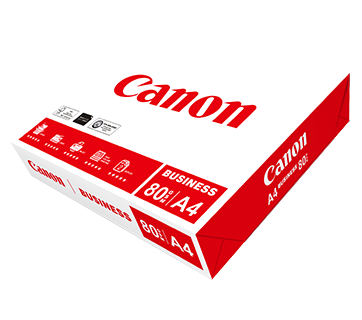
500 แผ่น/รีม (5/ctn)
Business Paper
กระดาษขาวแคนนอนคุณภาพดี เพื่องานเอกสารทางธุรกิจทั่วไป มีค่าความทึบแสงที่เหมาะสมเหมาะสำหรับการสำเนา และพิมพ์สองหน้า
20 แผ่น
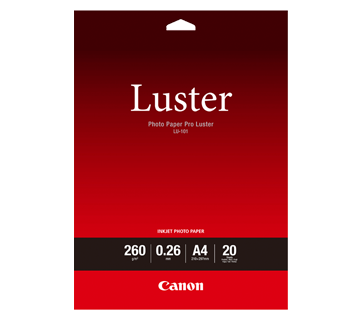
LU-101 Photo Paper Pro Luster
- Fast drying time
- Consistent look and colour under display lighting
- Ideal for studio and special event photos
- Semi-gloss finish
- Grammage - 260g/m2
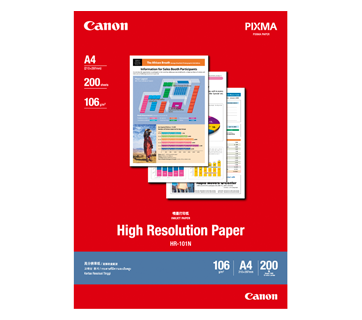
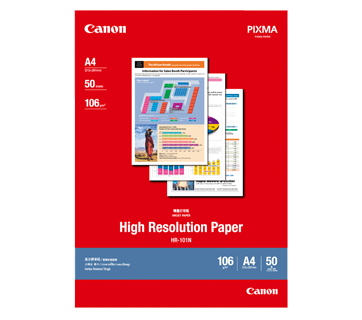

50 แผ่น
MP-101D Double-Sided Matte Paper
- Non-reflective surface
- Ideal for craft making, greeting cards and scrapbooking
- Grammage – 240g/m2 *Please check the supported media sizes against the compatible printers
อ่านที่เกี่ยวข้อง

ข้อมูลจำเพาะ
|
Print Head / Ink |
|
|
Type |
Permanent (Replaceable) |
|
Number of Nozzles |
Total 1,792 nozzles |
Ink Bottles (Type/Colours) |
GI-70 |
Print Heads |
BH-70, CH-70
|
|
Maximum Printing Resolution |
4800 (Horizontal)*1 x 1200 (Vertical) dpi |
|
Print Speed*2 (Approx.) Click here for Summary Report |
|
|
Document (ESAT/Simplex)*3 | 13 / 6.8 ipm (Mono/Colour) |
|
Document (ESAT/Duplex)*3 |
2.9 / 2.8 ipm (Mono/Colour) |
|
Document (FPOT Ready/Simplex)*4 |
9 / 14 sec (Mono/Colour) |
|
Photo (4 x 6") (PP-201/Borderless)*5 |
45 sec |
|
Printable Width |
Up to 203.2 mm (8") |
|
Printable Area |
|
|
Borderless Printing*6 |
Top/Bottom/Right/Left margin: each 0 mm |
|
Bordered Printing |
#10 Envelope/DL Envelope:
|
|
Bordered Auto 2-Sided Printing |
Top/Bottom margin: 5 mm |
|
Support Media |
|
|
Rear Tray |
Plain Paper (64 - 105 g/m²) |
|
Cassette |
Plain Paper (64 - 105 g/m²) |
|
Paper Size |
|
|
Rear Tray |
A4, A5, B5, LTR, LGL, 4 x 6", 5 x 7", 7 x 10", 8 x 10", |
|
Cassette |
A4, A5, B5, LTR |
|
Paper Size (Borderless)*6 |
A4, LTR, 4 x 6", 5 x 7", 7 x 10", 8 x 10", Card Size (91 x 55 mm) |
|
Paper Handling (Maximum Number) |
|
|
Rear Tray |
Plain Paper (A4, 64 g/m²) = 100 |
|
Cassette |
Plain Paper (A4, 64 g/m²) = 250 |
|
Support Media for Auto 2-sided printing |
|
|
Type |
Plain Paper |
|
Size |
A4, A5, B5, LTR |
|
Paper Weight |
|
|
Rear Tray |
Plain Paper: 64 - 105 g/m² |
|
Cassette |
Plain Paper: 64 - 105 g/m² |
|
Ink End Sensor |
Electrode type and dot count type combined |
|
Print Head Alignment |
Auto/Manual |
Scan*7
|
Scanner Type |
Flatbed |
|
Scanner Method |
CIS (Contact Image Sensor) |
|
Optical Resolution*8 |
1200 x 2400 dpi |
|
Scanning Bit Depth (Input/Output) |
|
|
Grayscale |
16 bit/8 bit |
|
Colour |
RGB each 16 bit/8 bit |
|
Line Scanning Speed*9 |
|
|
Grayscale |
1.5 ms/line (300 dpi) |
|
Colour |
3.5 ms/line (300 dpi) |
|
Flatbed |
A4/LTR (216 x 297 mm) |
Copy
|
Maximum Document Size |
|
|
Flatbed |
A4/LTR |
|
Compatible Media |
|
|
Size |
A4/A5/B5/LTR/LGL/4 x 6"/5 x 7"/Card Size (91 x 55 mm) |
|
Type |
Plain Paper |
|
Image Quality |
3 positions (Economy, Standard, High) |
|
Density Adjustment |
9 positions, Auto intensity (AE copy) |
|
Copy Speed*10 (Approx.) Click here for Summary Report |
|
|
Document Colour (sFCOT/Simplex) / (sESAT/Simplex) |
20 sec / 5.1 sec |
|
Multiple Copy |
|
|
Black/Colour: |
Max. 99 pages |
Network
|
Protocol |
TCP/IP, SNMP |
|
Wired LAN |
|
|
Network Type |
IEEE802.3u (100BASE-TX) / IEEE802.3 (10BASE-T) |
|
Data Rate |
10 M/100 Mbps (auto switchable) |
|
Wireless |
|
|
Network Type |
IEEE802.11b/g/n
|
|
Range |
Indoor 50 m (Depends on the transmission speed and conditions) |
|
Security |
WEP64/128 bit |
|
Direct Connection (Wireless LAN) |
Available |
Printing Solutions
|
AirPrint® |
Available |
|
Windows 10 Mobile |
Available |
|
Mopria® Print Service |
Available |
|
Canon Print Service |
Available |
|
Cloud Integration Service |
Available |
|
Easy-PhotoPrint Editor |
Available |
|
Canon PRINT |
Available |
System Requirements*11
|
|
Windows 10 / 8.1 / 7 SP1 |
General Specifications
|
Operation Panel |
|
|
Display |
2-Line LCD |
|
Language |
32 Selectable Languages: Japanese / English / German / French / Italian / Spanish / Dutch / Portuguese / Norwegian / Swedish / Danish / Finnish / Russian / Czech / Hungarian / Polish / Slovene / Turkish / Greek / Simplified Chinese / Traditional Chinese / Korean / Indonesian / Slovakian / Estonian / Latvian / Lithuanian / Ukrainian / Romanian / Bulgarian / Thai / Croatian / Vietnamese |
|
Interface |
USB 2.0 |
|
PictBridge (Wireless/Wired LAN) |
Available |
|
Operating Environment*12 |
|
|
Temperature |
5 - 35°C |
|
Humidity |
10 - 90% RH (no dew condensation) |
|
Recommended Environment*13 |
|
|
Temperature |
15 - 30°C |
|
Humidity |
10 - 80% RH (no dew condensation) |
|
Storage Environment |
|
|
Temperature |
0 - 40°C |
|
Humidity |
5 - 95% RH (no dew condensation) |
|
Quiet Mode |
Available |
|
Acoustic Noise (PC Print)*14 |
|
|
Plain Paper (A4, Mono) |
Approx. 50.5 dB(A) |
|
Power |
AC 100 - 240 V, 50/60 Hz |
|
Power Consumption (Approx.) |
|
|
OFF |
0.3 W |
|
Standby (scanning lamp is off) |
0.8 W |
|
Copying*15 |
15 W |
|
Duty Cycle |
Up to 5,000 pages/month |
|
Dimensions (WxDxH) (Approx.) |
|
|
Factory Configuration |
403 x 369 x 195 mm |
|
Output/ADF Trays Extended |
403 x 671 x 306 mm |
|
Weight (Approx.) |
8.1 kg |
Page Yield*16
- Ink droplets can be placed with a pitch of 1/4800 inch at minimum.
- Print speed may vary depending on system configuration, interface, software, document complexity, print mode, page coverage, type of paper used etc.
- Document print speeds are the average of ESAT, based on the Office Category Test (Word, Excel, PDF), the default simplex mode, and the ISO/IEC 24734 standard.
- Document print speeds are the average of FPOT, based on the Office Category Test, the default simplex mode, and the ISO/IEC 17629 standard.
- Photo print speed is based on the default setting using ISO/JIS-SCID N2 on Photo Paper Plus Glossy II and does not take into account data processing time on host computer.
- Paper Type NOT supported for borderless printing are as follows: Envelope, High Resolution Paper, T-Shirt Transfer, Photo Stickers.
- TWAIN driver (ScanGear) is based on the TWAIN specification V1.9 and requires the Data Source Manager comes with the operating system.
- Optical resolution scan is available, only when you use TWAIN Driver.
Optical resolution is a measure of maximum hardware sampling resolution, based on ISO 14473 standard. - The fastest speed in Hi-Speed USB on Windows PC. Transfer time to computer is not included.
- Copy speeds are the average of sFCOT and sESAT, ISO/IEC 29183.
Copy speeds (ADF) are ESAT of copy in sequence, ISO/IEC 24735.
Copy speed may vary depending on document complexity, copy mode, page coverage, type of paper used etc. and does not take into account warm-up time. - Please visit https://asia.canon/support to check OS compatibility and to download the latest driver updates.
- The performance of the printer may be reduced under certain temperature and humidity conditions.
- For the temperature and humidity conditions of papers such as photo paper, refer to the paper's packaging or the supplied instructions.
- Acoustic Noise is measured based on ISO 7779 standard with default setting.
- Print: When printing ISO/JIS-SCID N2 on A4 size plain paper using default settings.
- Page yields may vary depending on content coverage, print settings, temperature, humidity, and frequency of printing.
- Declared yield value is the estimated value based on Canon individual test method using the ISO/IEC 24712 colour chart and continuous printing simulation with the replacement ink bottles after initial setup.
The colour yield is based on 1 set of composite colour bottles. - The Economy mode reduces the ink consumption by lowering the density. More pages can be printed using this mode.
-
Declared yield value is the estimated value based on Canon individual test method using the ISO/IEC 29103 chart and continuous printing simulation with the replacement ink bottles after initial setup.
Black ink is not used when printing under this condition. However, a minimal amount of black ink is used for maintenance purposes.
Disclaimer |
|
ซื้อที่ไหนและอย่างไร
เครื่องคำนวณ TCO


ข้อจำกัดความรับผิดชอบของสินค้า
- 01. ราคา, ข้อมูลจำเพาะ, การวางจำหน่ายและข้อกำหนดในการให้บริการอาจมีการเปลี่ยนแปลงโดยไม่ต้องแจ้งให้ทราบล่วงหน้า
- 02. ผลิตภัณฑ์/บริการอาจได้รับการผลิตและ/หรือจัดหาให้กับแคนนอนโดยผู้ผลิต/ผู้จัดหาที่เป็นบุคคลที่สามเพื่อการจำหน่าย/ขายต่อ (ผลิตภัณฑ์ที่ไม่ใช่ตราสินค้าแคนนอน)
- 03. ราคาข้างต้นเป็นราคาขายปลีกที่แนะนำในสกุลเงินบาทและอาจมีการเปลี่ยนแปลงโดยไม่ต้องแจ้งให้ทราบล่วงหน้า
ข้อจำกัดความรับผิดชอบ
- 01.ราคา, ข้อมูลจำเพาะ, การวางจำหน่ายและข้อกำหนดในการให้บริการอาจมีการเปลี่ยนแปลงโดยไม่ต้องแจ้งให้ทราบล่วงหน้า
- 02.ผลิตภัณฑ์/บริการอาจได้รับการผลิตและ/หรือจัดหาให้กับแคนนอนโดยผู้ผลิต/ผู้จัดหาที่เป็นบุคคลที่สามเพื่อการจำหน่าย/ขายต่อ (ผลิตภัณฑ์ที่ไม่ใช่ตราสินค้าแคนนอน)
- 03.ราคาข้างต้นเป็นราคาขายปลีกที่แนะนำในสกุลเงินบาทและอาจมีการเปลี่ยนแปลงโดยไม่ต้องแจ้งให้ทราบล่วงหน้า
- 04.การคำนวณนี้แสดงต้นทุนรวมขอโอนเนอร์ ตามผลการคำนวณดังต่อไปนี้:
i. การคาดการณ์นี้จัดทำขึ้นเพื่อประมาณการ เพื่อประกอบการอธิบายเท่านั้น ตามสมมติฐานที่ได้มาจากการประเมินความต้องการและการใช้งานที่คาดการณ์ของผู้ใช้เอง ต้นทุนการเป็นเจ้าของจริงอาจแตกต่างกันไปขึนอยู่กับรูปแบบการใช้งานจริงของผู้ใช้สภาพแวดล้อมการพิมพ์วงจรการบำรุงรักษาและปัจจัยอื่นๆ ที่ไม่ได้รับการพิจารณาในการคำนวณนี้ - 05.จำนวนหน้าโดยประมาณที่สามารถพิมพ์ได้อาจแตกต่างกันไปขึ้นอยู่กับความครอบคลุมของเนื้อหา,การตั้งค่าการพิมพ์,อุณหภูมิ,ความชื้นและความบ่อยในการพิมพ์
- 06.สำหรับขวดหมึก, จำนวนหน้าที่ประกาศไว้คือจำนวนหน้าโดยประมาณตามวิธีการทดสอบของ Canon โดยใช้แผนภูมิสี ISO/IEC 24712 และการจําลองการพิมพ์อย่างต่อเนื่องด้วยขวดหมึกใหม่ 1 ชุด หลังจากการติดตั้ง
- 07.สำหรับตลับหมึก, จำนวนหน้าที่ประกาศไว้ทดสอบโดยใช้มาตราฐาน ISO/IEC 24711 และใช้แผนภูมิสี ISO/IEC 24712 ซึ่งค่าที่ได้จากการพิมพ์ต่อเนื่อง สำหรับข้อมูลเพิ่มเติมคลิก